|
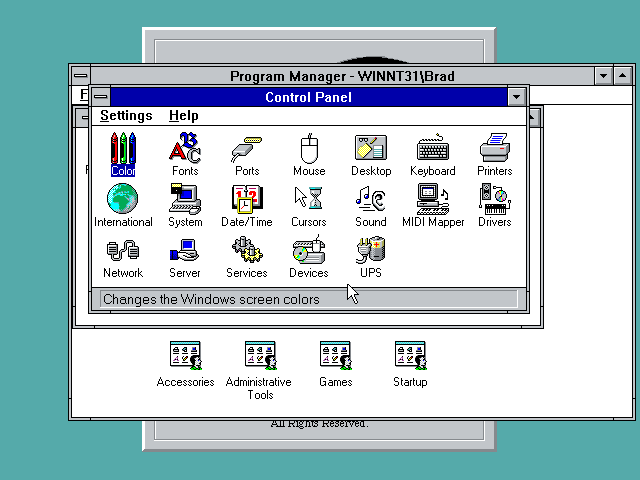
The control panel is mostly unchanged, other than including some new controls for various aspects of the underlying system, since this is a full operating system rather than a shell on top of DOS.
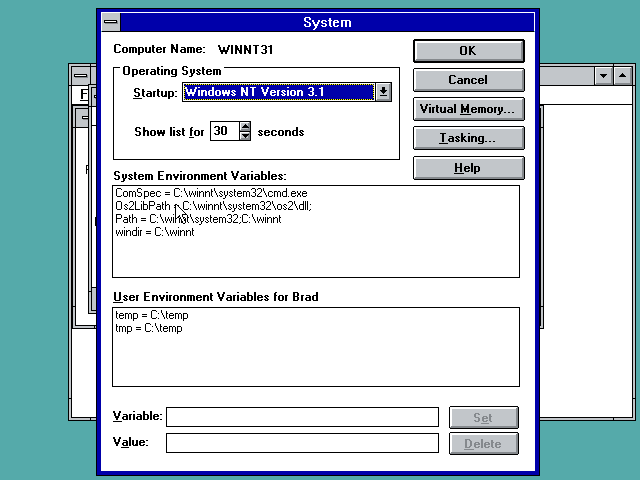
A look at the System control panel, which allows you to change the bootloader preferences and also the system pagefile, and environment variables. Typically all this stuff was managed by DOS in prior versions of Windows.
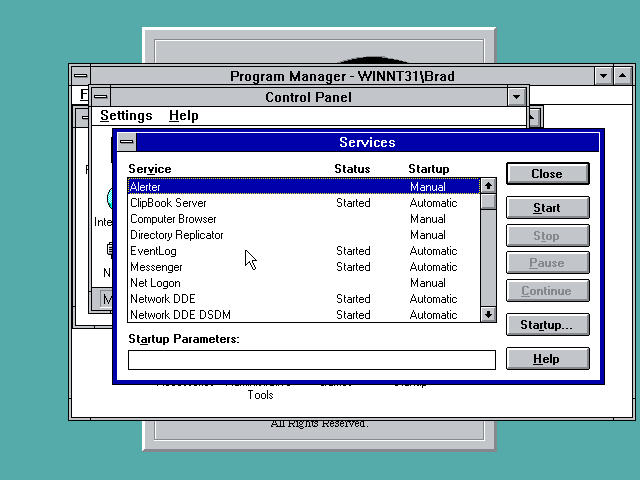
Here is the Services control panel, giving you a look at the state of all the system services. These are functionally equivalent to TSRs in DOS.
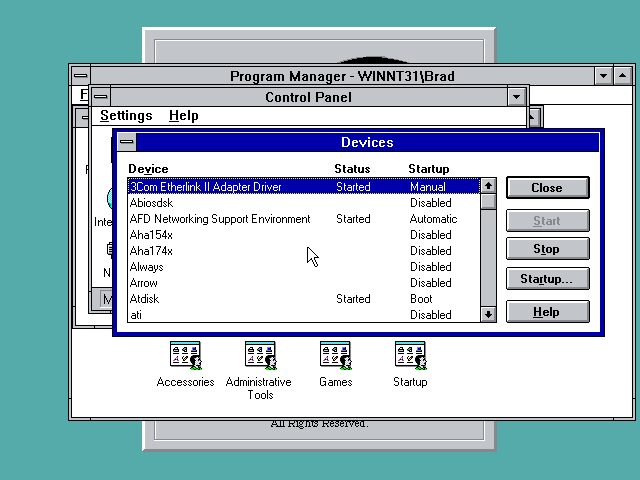
Finally, here is the Devices control panel, which gives you access to adding and removing devices. It looks like these function similar to services under Windows NT.
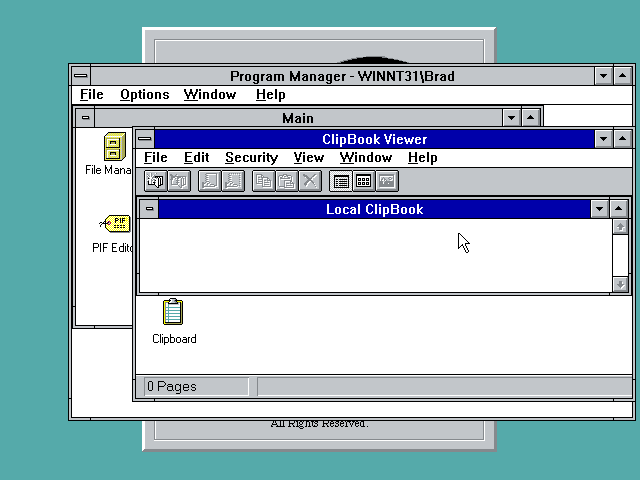
The Clipbook Viewer looks like a program used to connect to and share clipboards with different remote computers.
|