|
Home
Site News BeOS/Haiku Deskmate Linux/UNIX Apple II Mac OS NeXT ReactOS GEOS Amiga GEM QNX OS/2 RISC OS DOS GUIs Windows Windows Shells Xerox/Sun Others Office Ribbon |
You are here: Firealarms Main > GUICentral > Windows Shells > Command Shell for Windows > Page 2 of 3 |
|
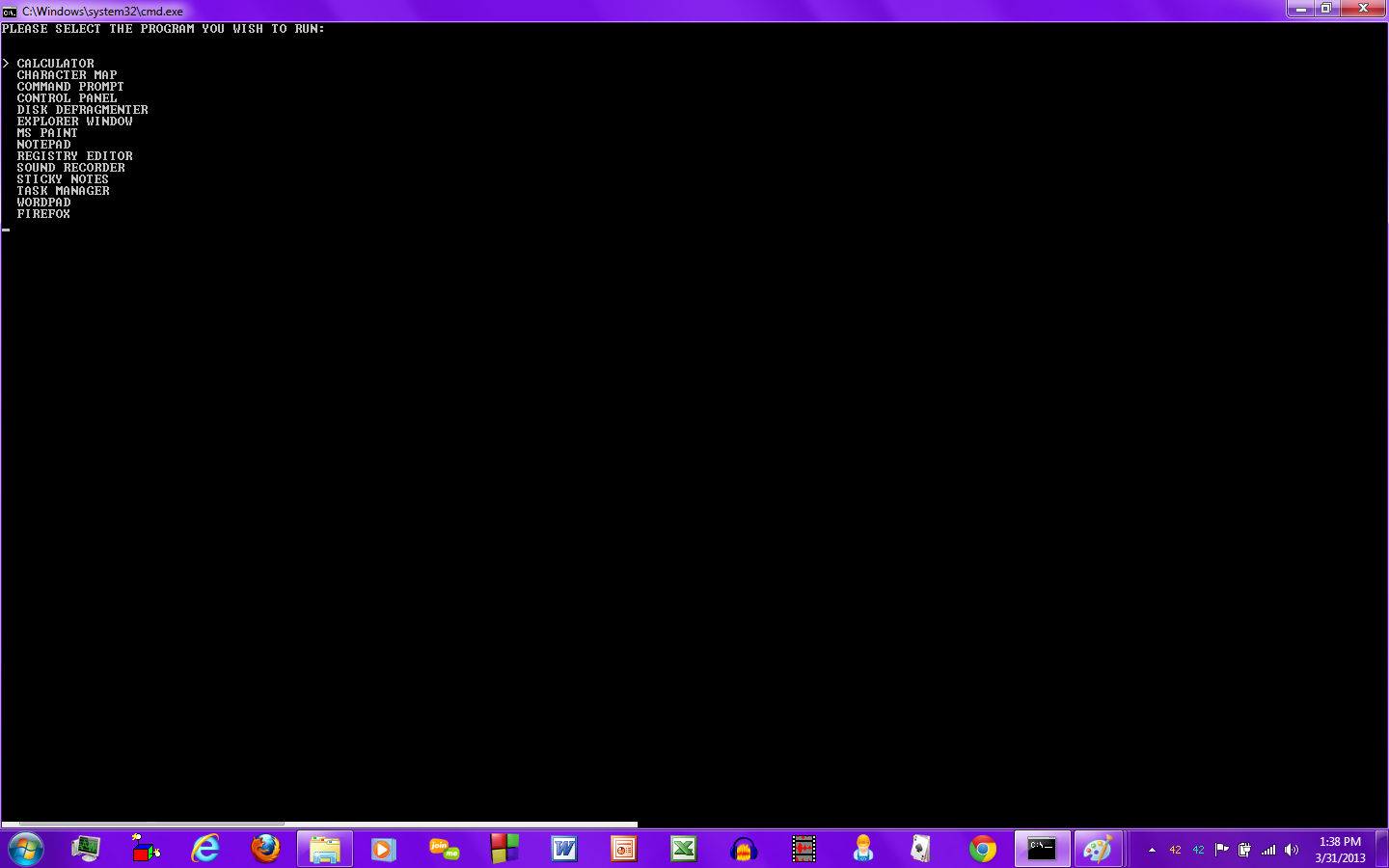
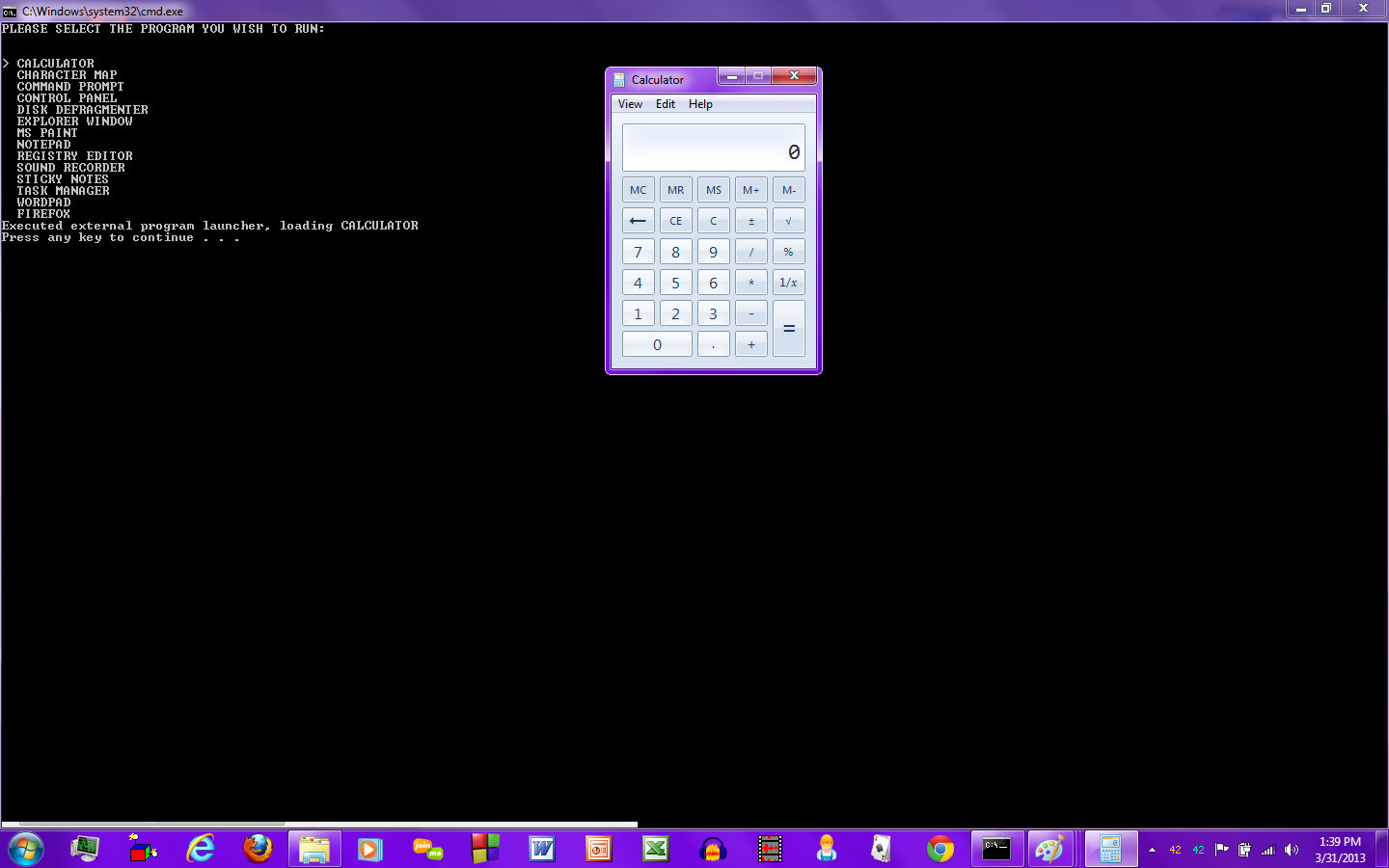
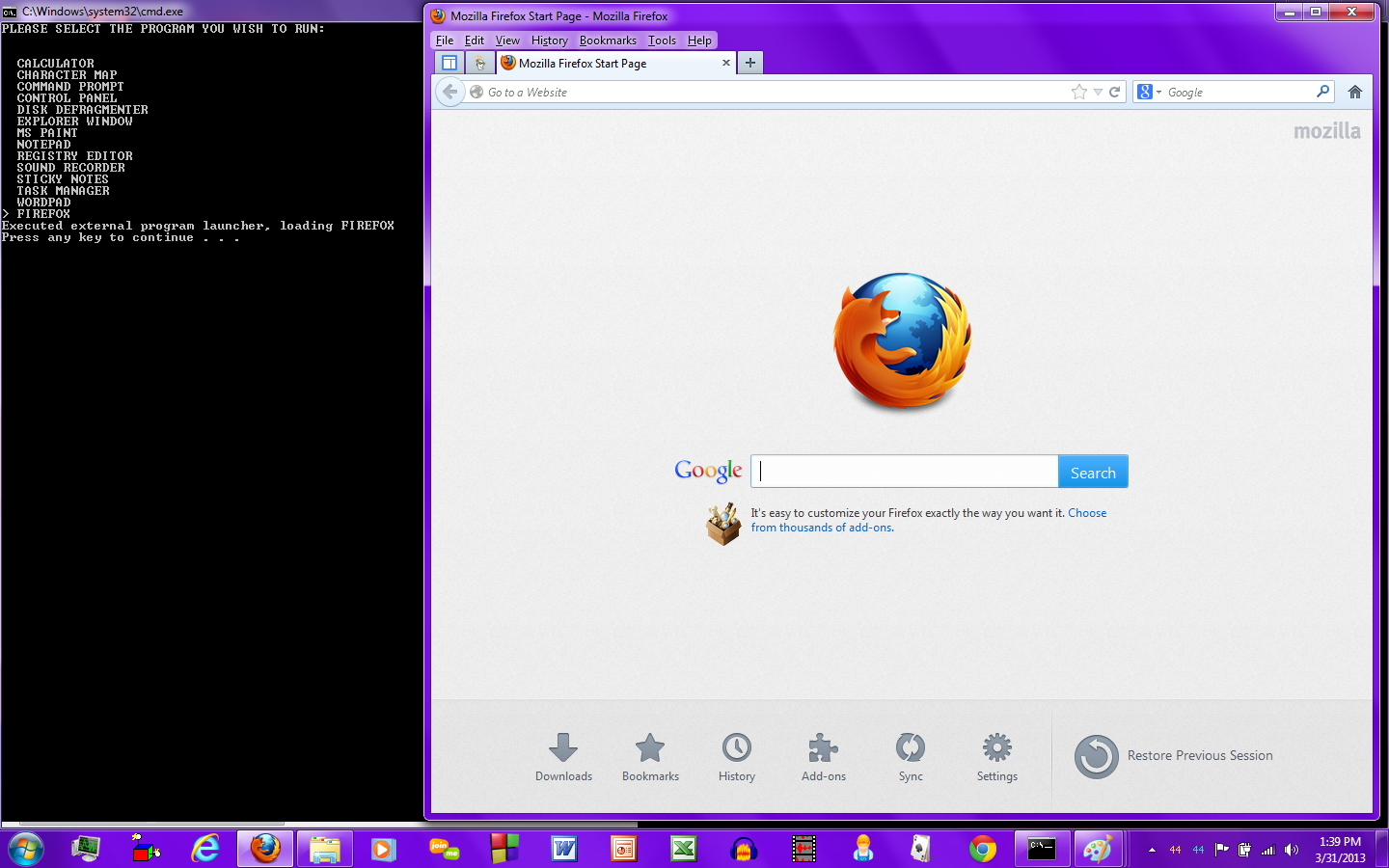
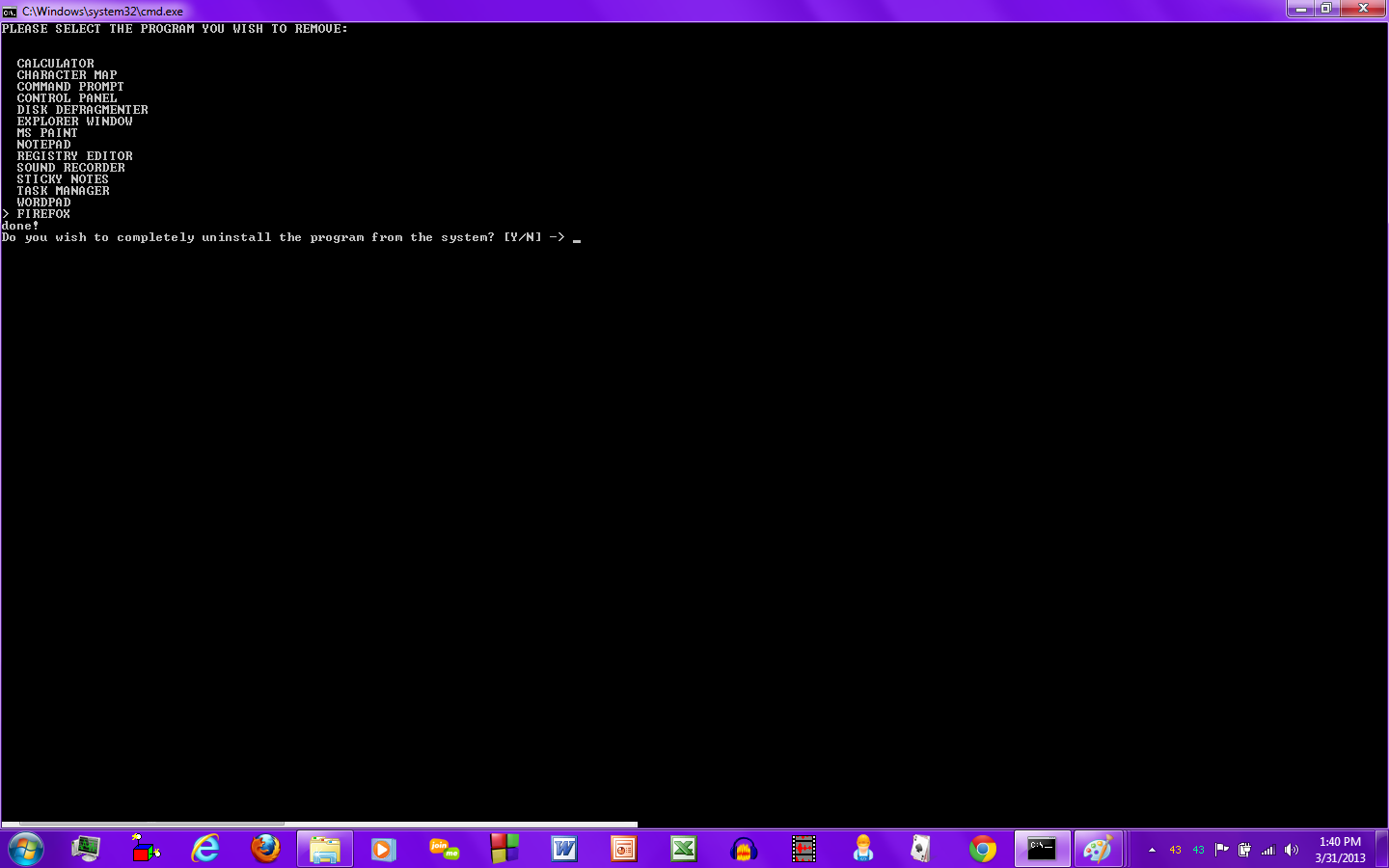
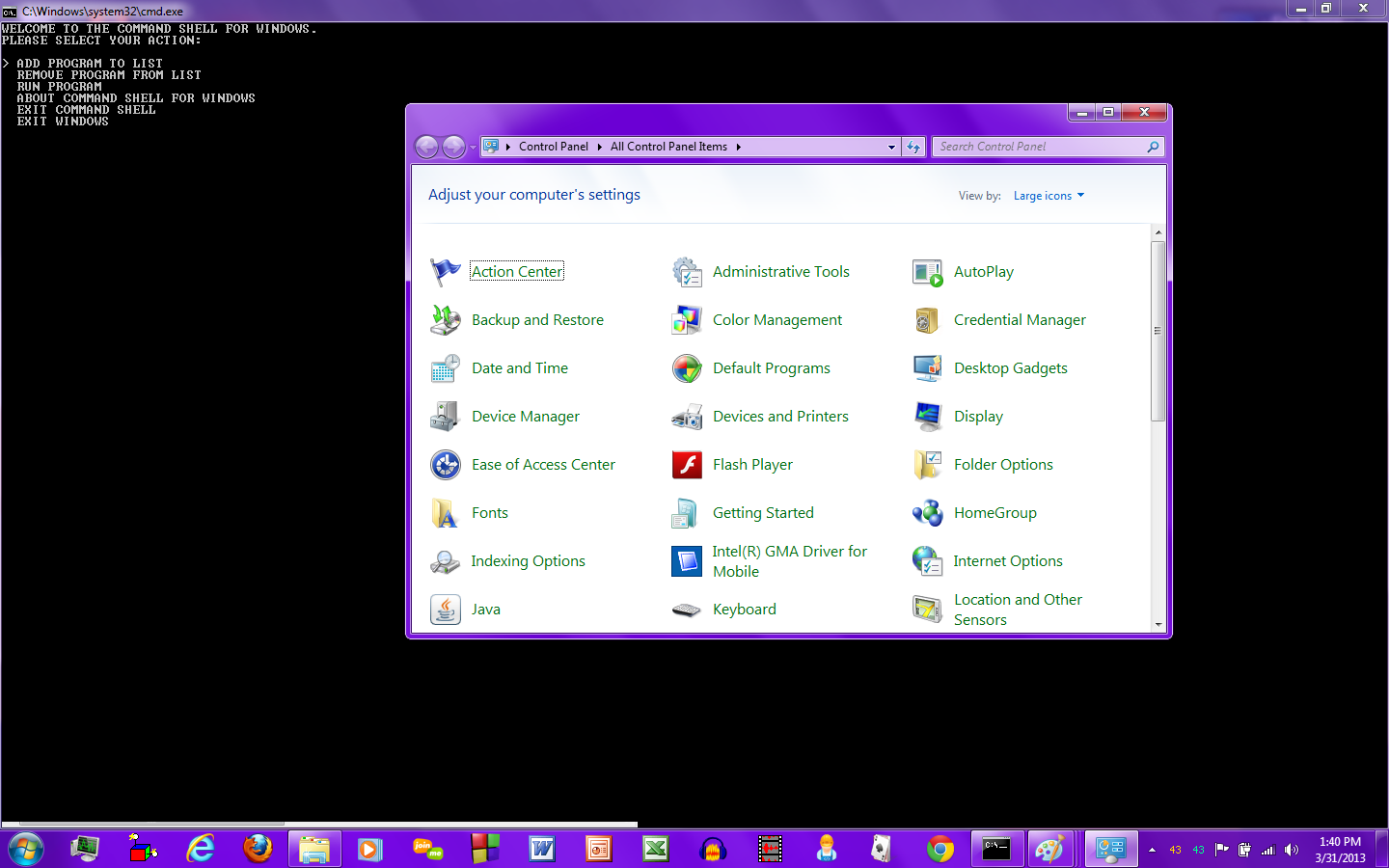
Disappointingly it doesn't automatically capitalize the program name if you add it manually. Also dangerously it comes with the registry editor right there in plain sight. Selecting a program automatically opens it. Upon returning to the command shell, pressing enter redisplays the menu. Pressing escape returns you to the main menu.
|
|