|
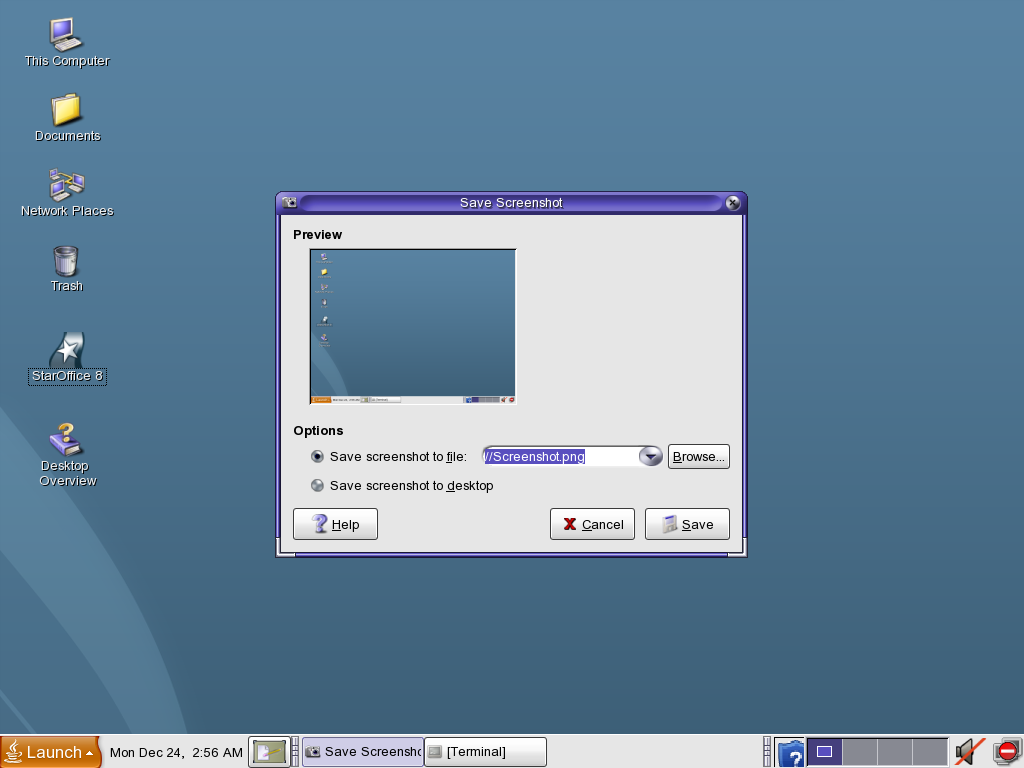
Solaris 10 includes a very basic screenshot utility. Timed screenshots have to be taken from the command line by typing gnome-panel-screenshot --delay=number.
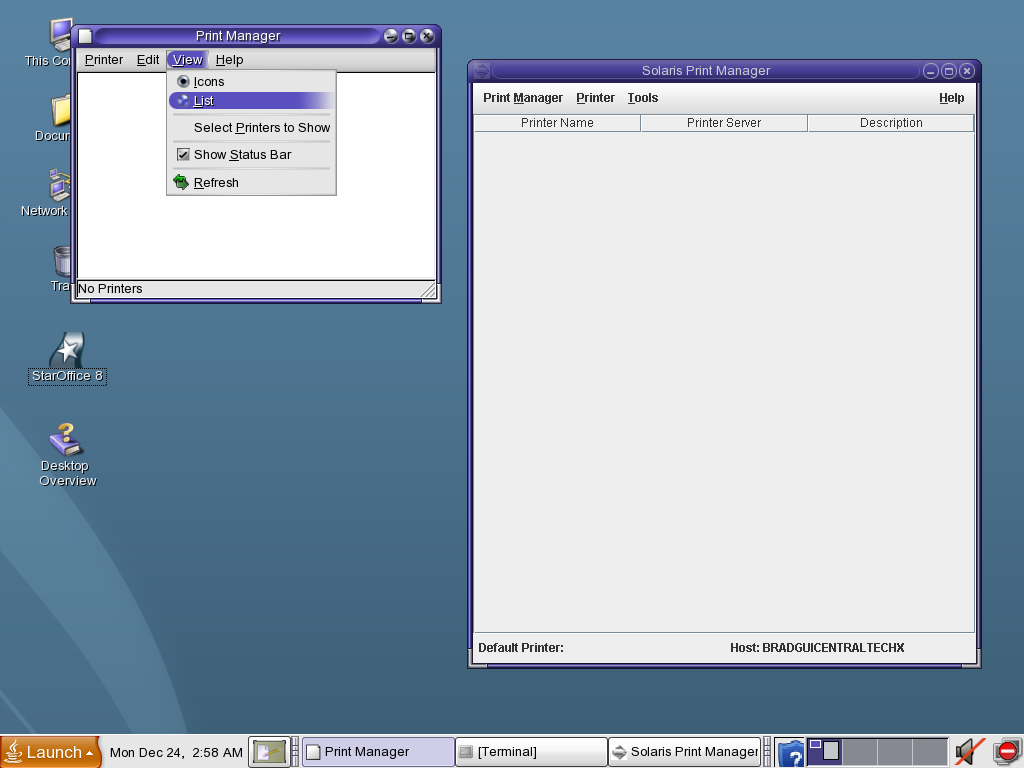
The print manager has two views: Icon, and List view. The menu for switching is shown here.
Adding printers is done via a different option under System preferences, and that opens up the CDE version of the same thing.
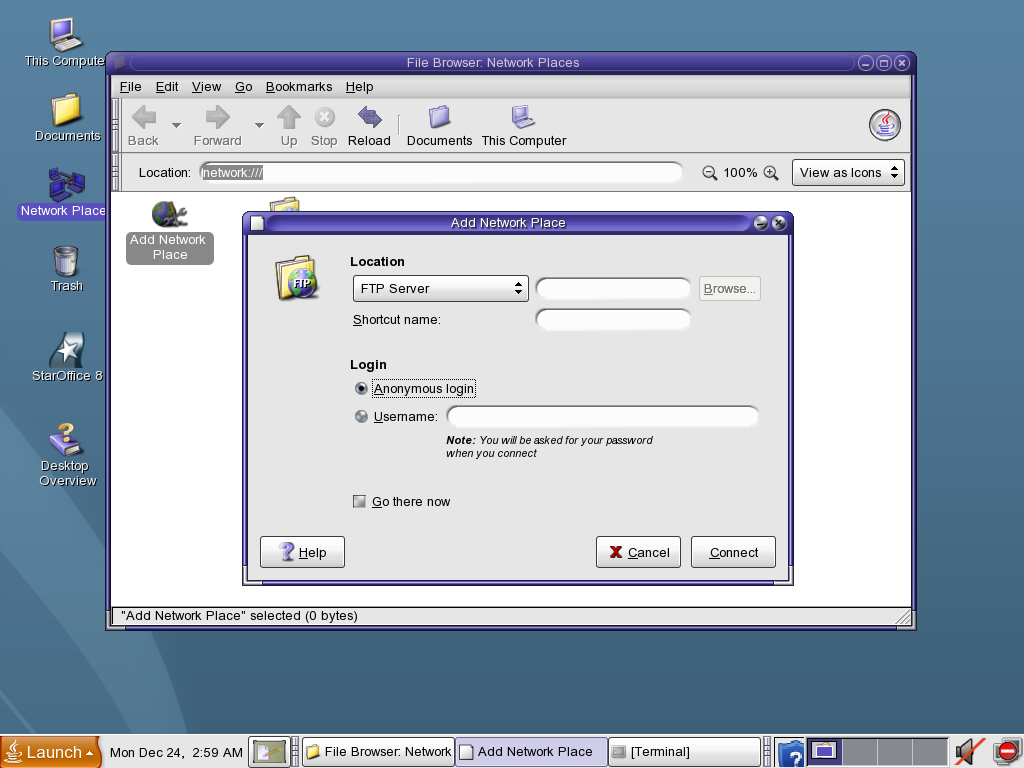
Adding network places is easy, and you are given the option of adding an FTP server, a Web Folder, or a Samba server/share. You are prompted for the password each time you open the network location, which keeps things more secure.
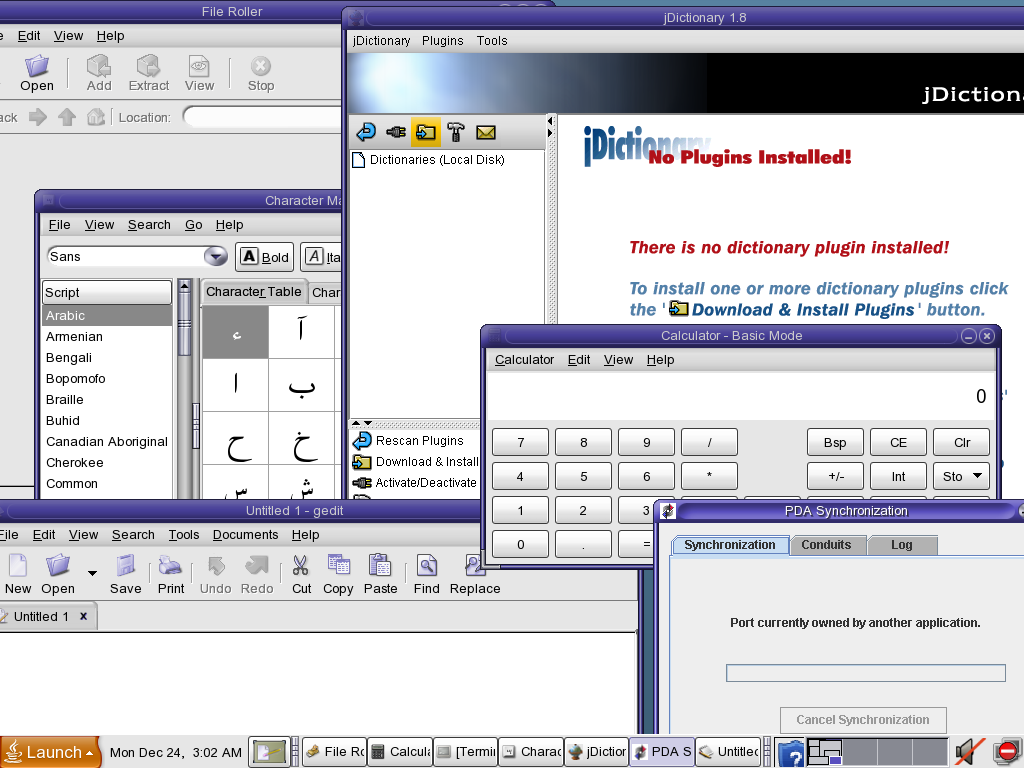
A few of the included accessories.
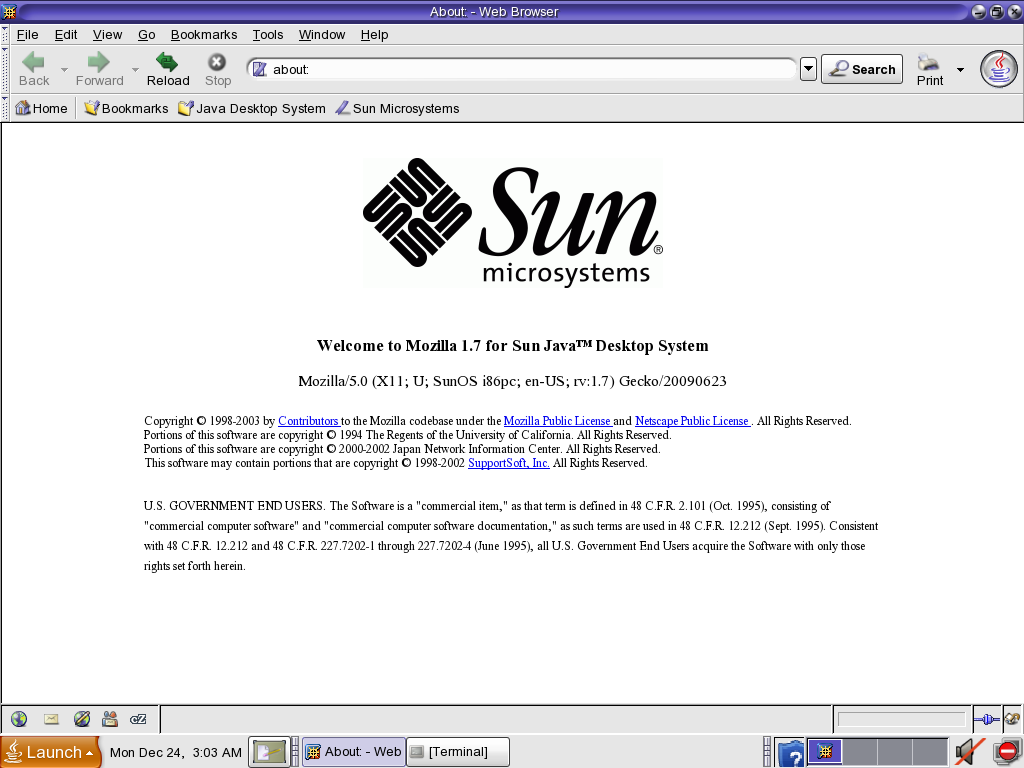
Solaris 10 includes this customized version of Mozilla 1.7 as the default browser. Firefox is also bundled, and later updates used Firefox as the default.
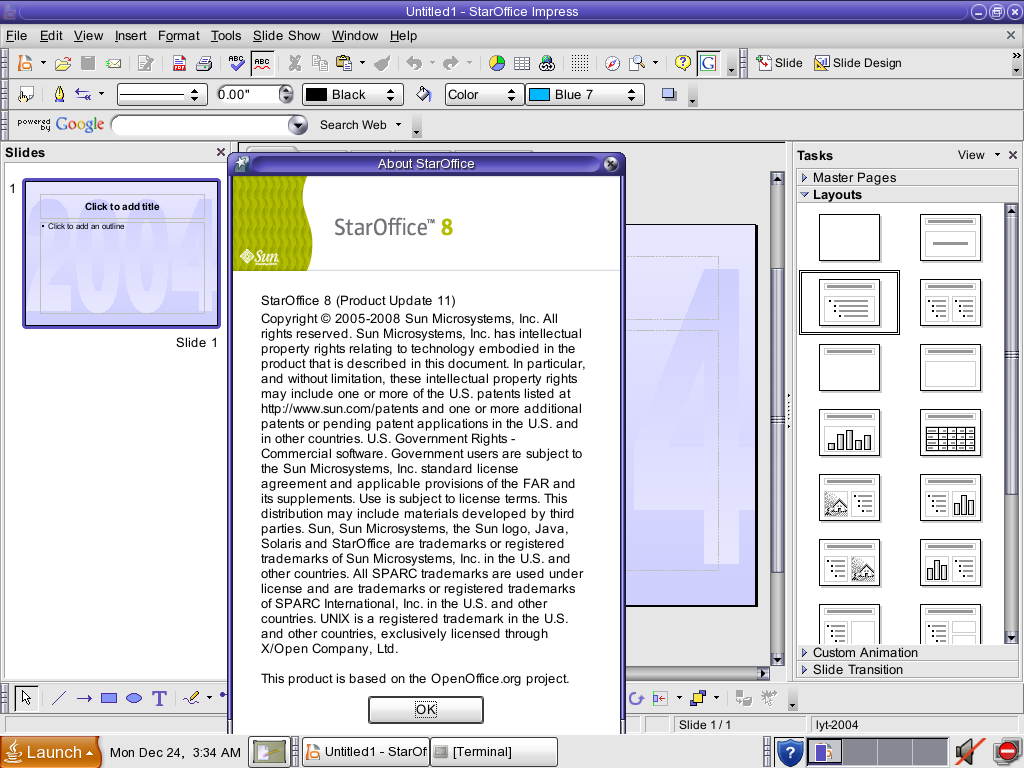
And finally, Solaris 10 includes Sun's StarOffice suite. StarOffice later became OpenOffice.
Conclusion:
The Java Desktop System is not visually different from GNOME-based Linux distros. Not everything is as easy to do as it is in Linux either. |