|
Home
Site News BeOS/Haiku Deskmate Linux/UNIX Apple II Mac OS NeXT ReactOS GEOS Amiga GEM QNX OS/2 RISC OS DOS GUIs Windows Windows Shells Xerox/Sun Others Office Ribbon |
You are here: Firealarms Main > GUICentral > Windows Shells > IBM Workplace Shell for Windows > Page 1 of 2 |
|
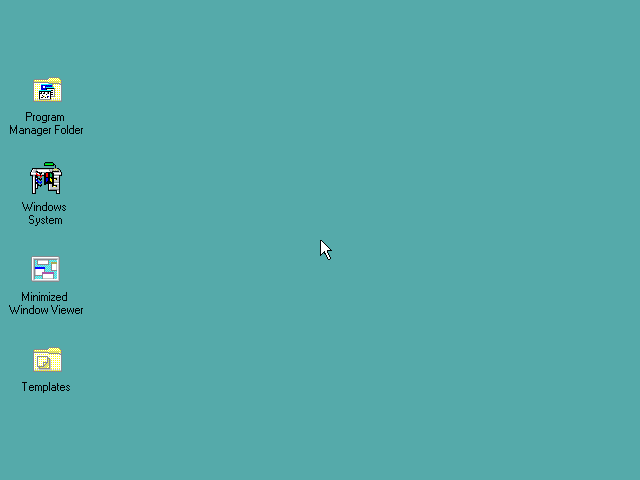
The IBM Workplace Shell for Windows is, despite it's name, not an actual product created by IBM, nor is it supported by IBM. Instead it is freeware written by some IBM employees for people running Windows 3.1 that would like to either learn the Workplace Shell without buying and installing a copy of OS/2, or for people that were using both and wanted the Workplace Shell since it is far superior to Windows 3.1's Program Manager.
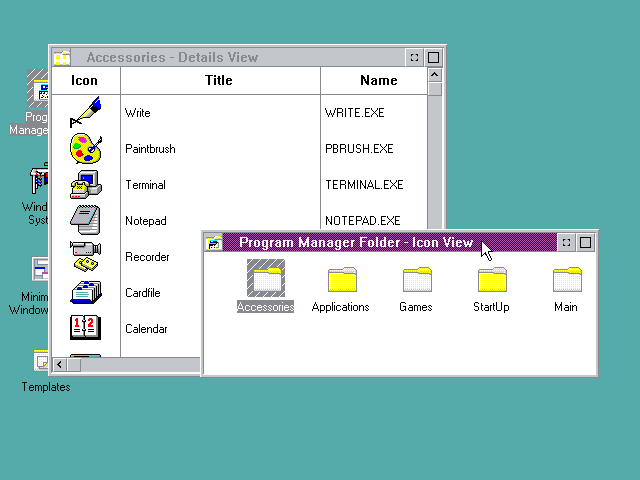
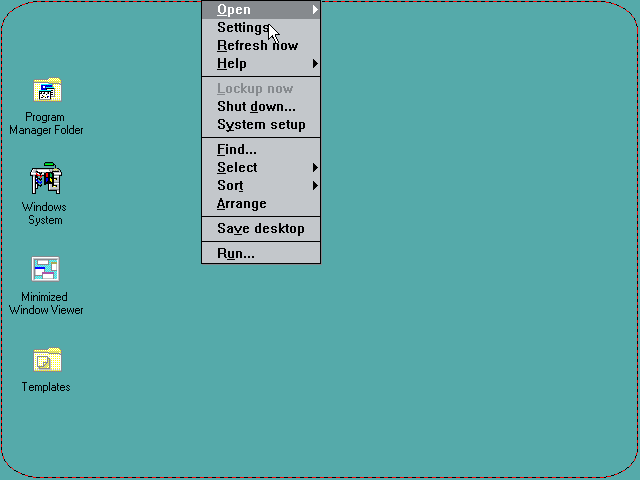
Folders can be browsed in icon or details view, like OS/2. The Workplace Shell also inherits archaisms from OS/2 Warp in that dragging is done with the right mouse button, and that most functionality is done through a non-obvious right-click menu. This would take some getting used to for a Windows user.
|
|