|
Home
Site News BeOS/Haiku Deskmate Linux/UNIX Apple II Mac OS NeXT ReactOS GEOS Amiga GEM QNX OS/2 RISC OS DOS GUIs Windows Windows Shells Xerox/Sun Others Office Ribbon |
You are here: Firealarms Main > GUICentral > BeOS/Haiku > Haiku R1 Beta 4 > Page 1 of 4 |
|
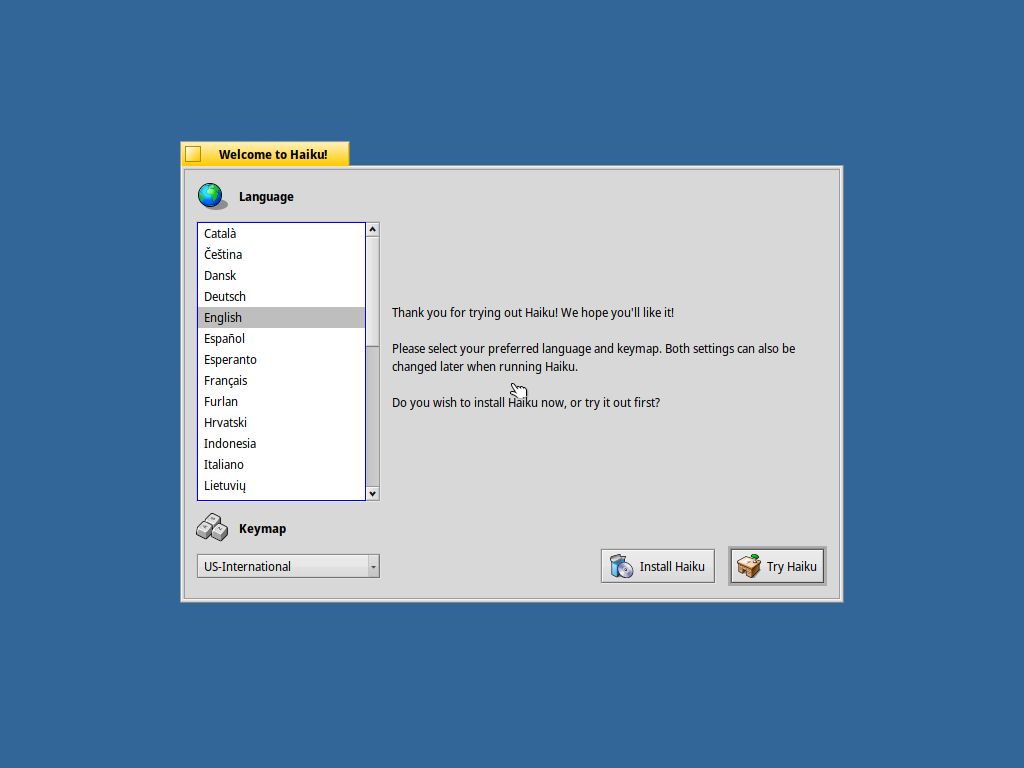
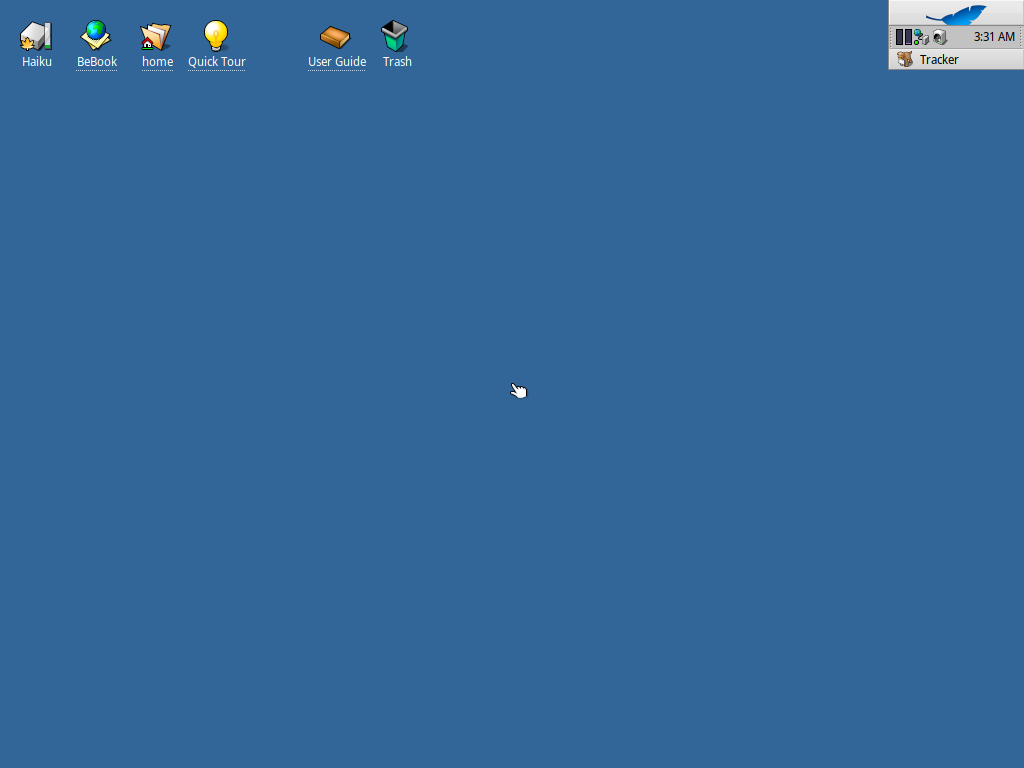
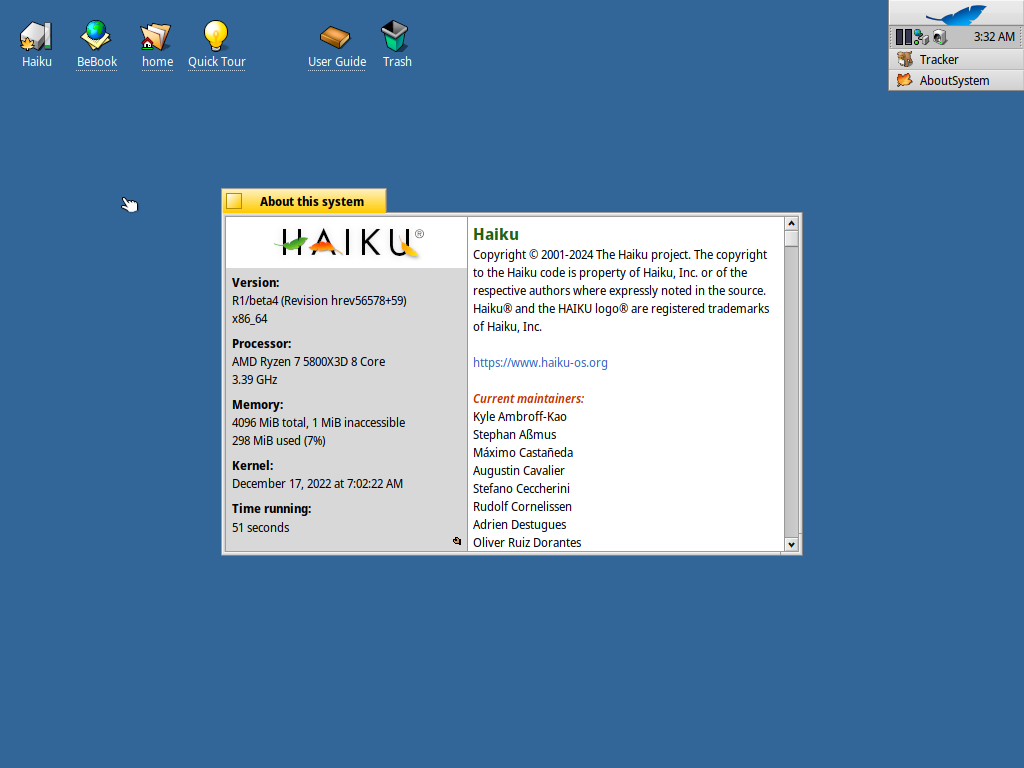
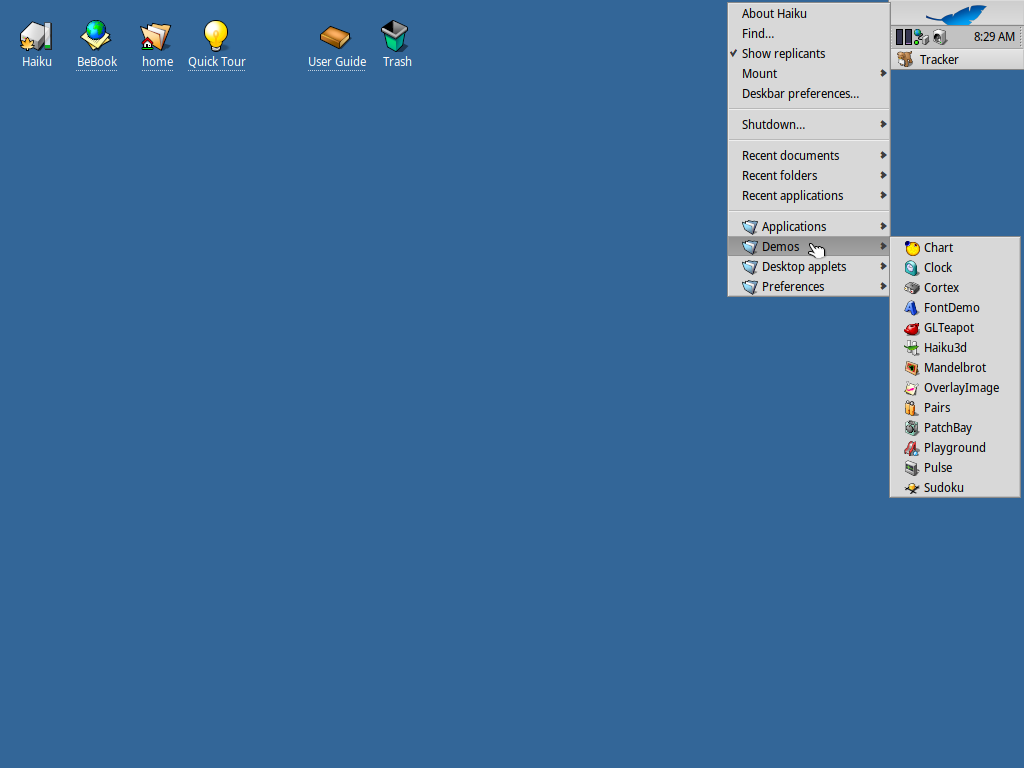
It's time to kick the tires on Haiku again! There have been several releases since the last time I looked. There has been a fair amount of backend work that I can't capture in these screenshots, so I am focusing merely on the visible things. If you want a comprehensive list of changes, you can see the release notes for every prior release, and this one.
|
|