|
The Ubuntu Linux distribution, from its inception up to 2010, used the GNOME desktop environment.
For some reason (maybe it was because GNOME 3 sucked hard), Canonical chose to switch the distribution to Unity starting with 11.04 (the linked screenshots are of 12.04, but it's basically the same).
With Ubuntu 17.10, they have now chosen to switch back to GNOME. I'm not entirely sure why, either. Unity is apparently now its own separate desktop "flavour".
These screenshots are actually of 18.04 LTS; I have a copy of 17.10, but I could not get it to install for some reason.
Ubuntu 17.10, in addition to GNOME, also dropped the X11 window server in favour of Wayland; 18.04 returned to it for stability reasons.
Other changes with 17.10/18.04:
- There is a new to-do application included.
- There is a "minimal install" option, which cuts out everything but base system functions and a web browser.
- Some bundled applications (particularly Firefox) are now installed as "Snap" applications instead of traditional packages.
- There is no more 32-bit version; desktop releases are now 64-bit only. Other flavours and images (such as the server version) are still available as 32-bit for now.
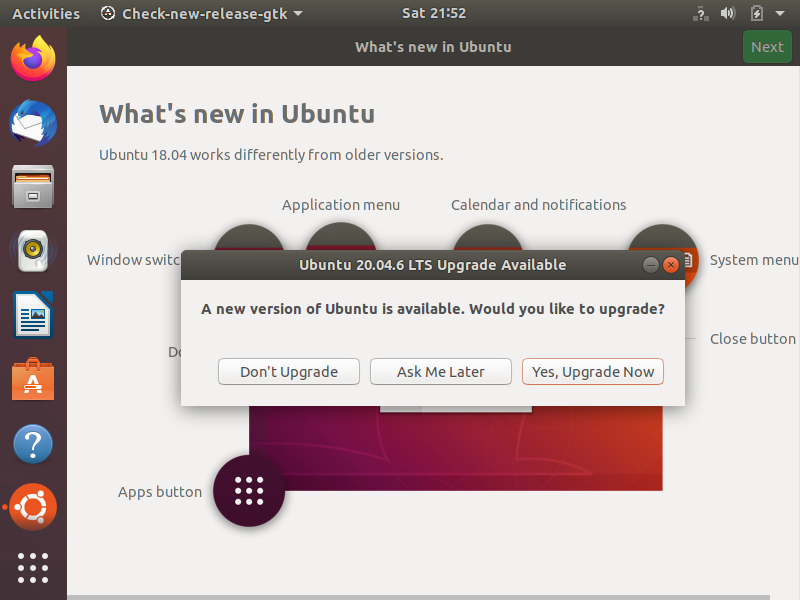
First thing we get upon loading is a nag to upgrade to the latest release. Fortunately unlike modern Windows these nags can be dismissed and ignored.
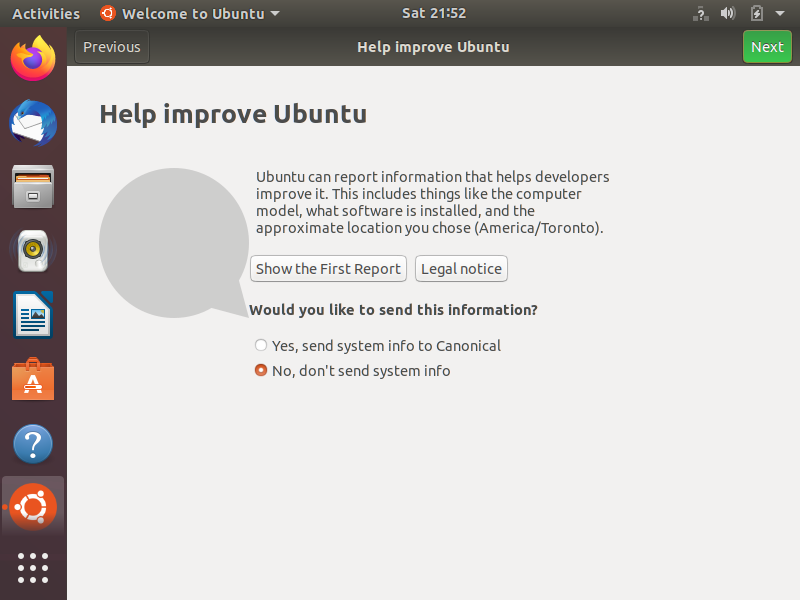
Although since Micro$oft basically made it free game to do so by shoving it down everyones' throats and not generating nearly enough backlash to it, Ubuntu now includes abusive telemetry features as well. Not that it didn't already, it's just now more in-your-face about it.
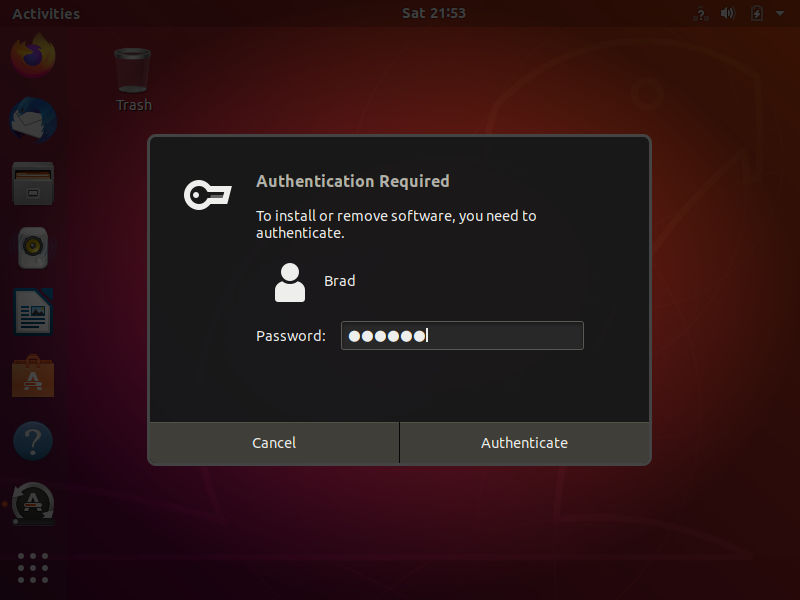
Most of the system dialog boxes now look like this. I never really saw much of a point to making them this big, but it seems to be the trend now so I guess Ubuntu had to hop onboard.
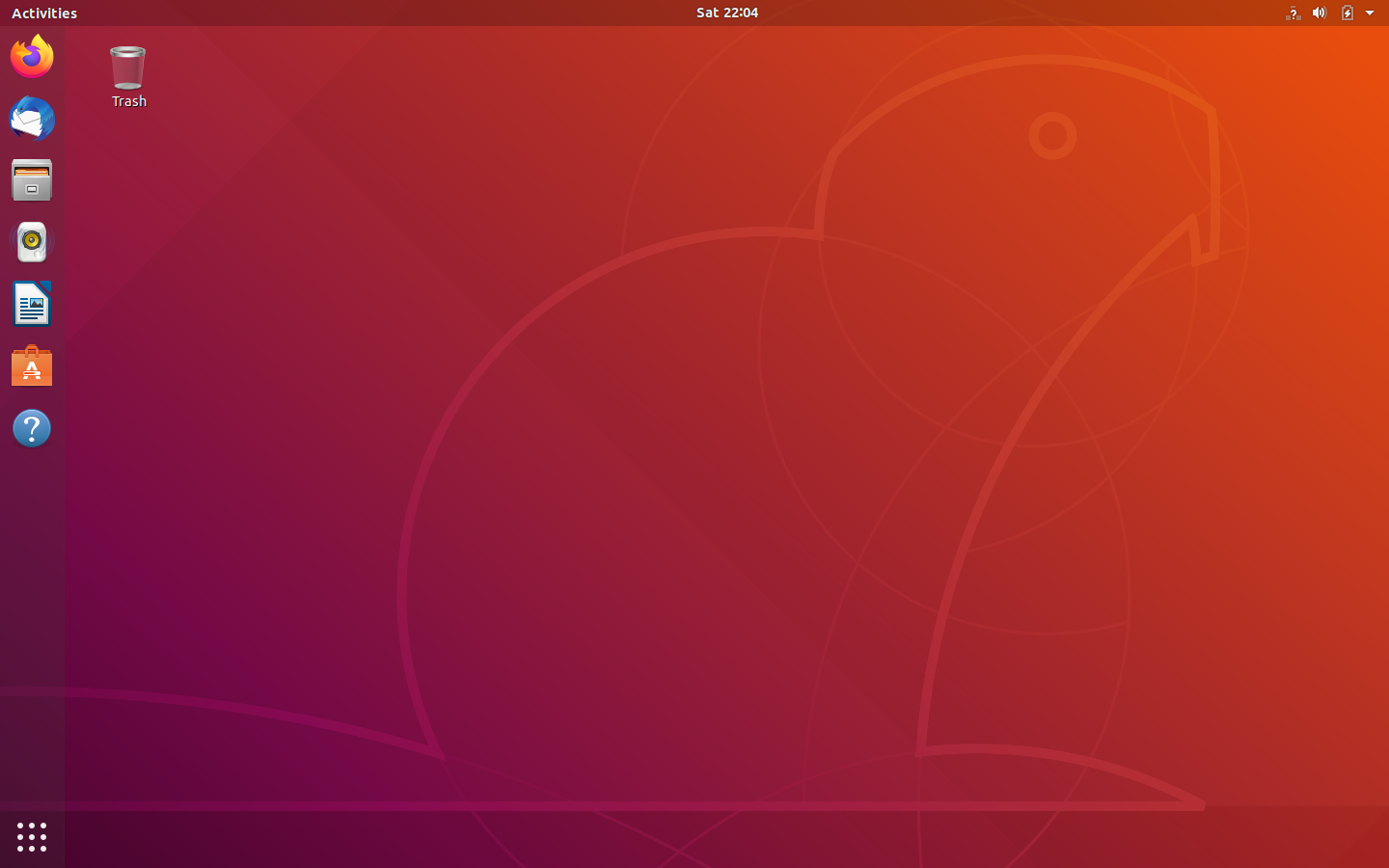
So...what about the actual desktop?
You'll notice that apart from a visual change, there's really no differences between this new GNOME Shell interface and the old Unity one.
Really the biggest differences are the new "Activities" thing in the upper left, and the fact that the "Dash" is now located in the bottom left corner as opposed to being placed at the top of the sidebar. |