|
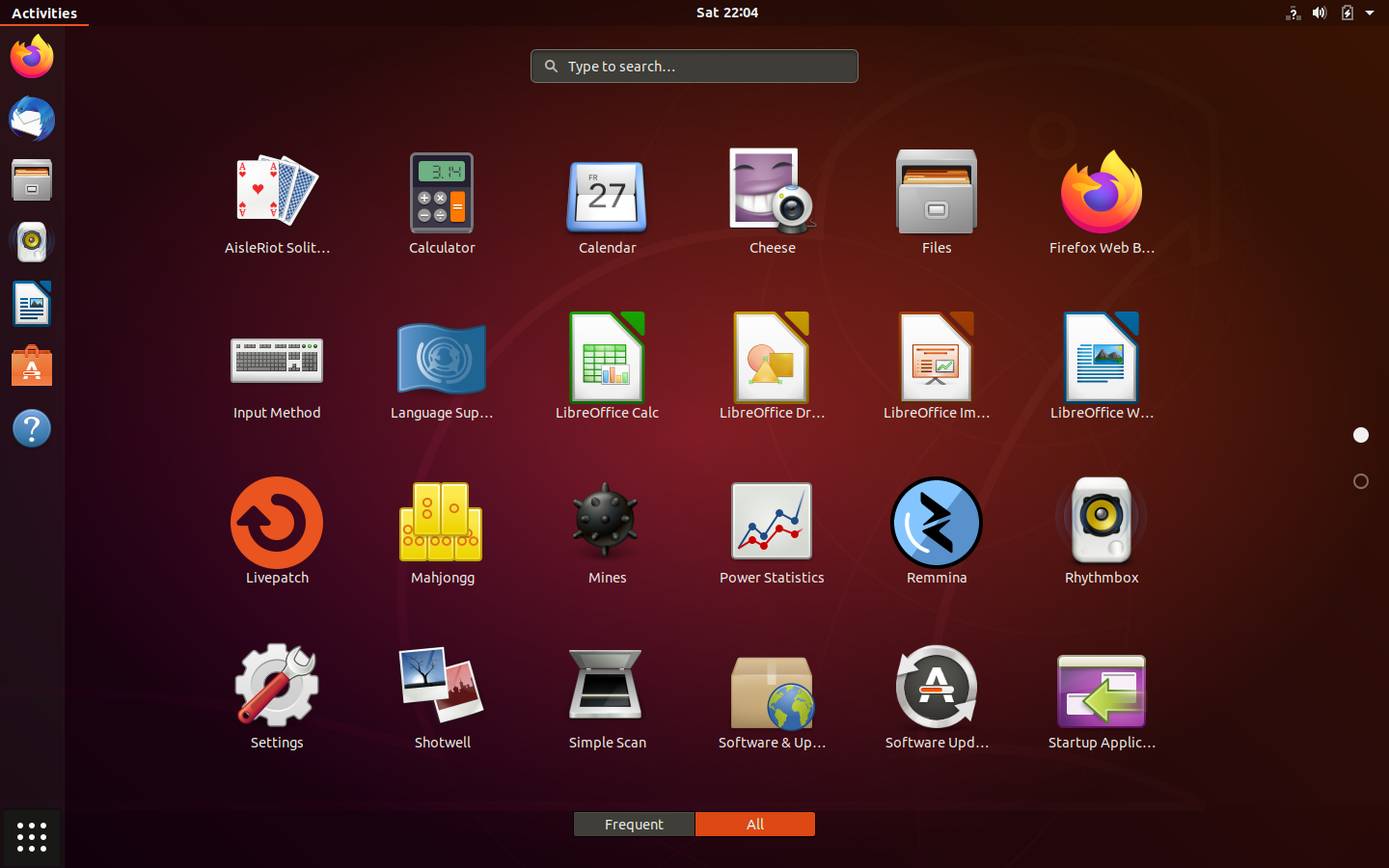
Taking a look at the Dash reveals that it's not the same at all.
This "dash" is actually a standard part of the GNOME shell, and works much better than the old Unity dashboard did. I'd still prefer actual menus and hierarchies, but baby steps.
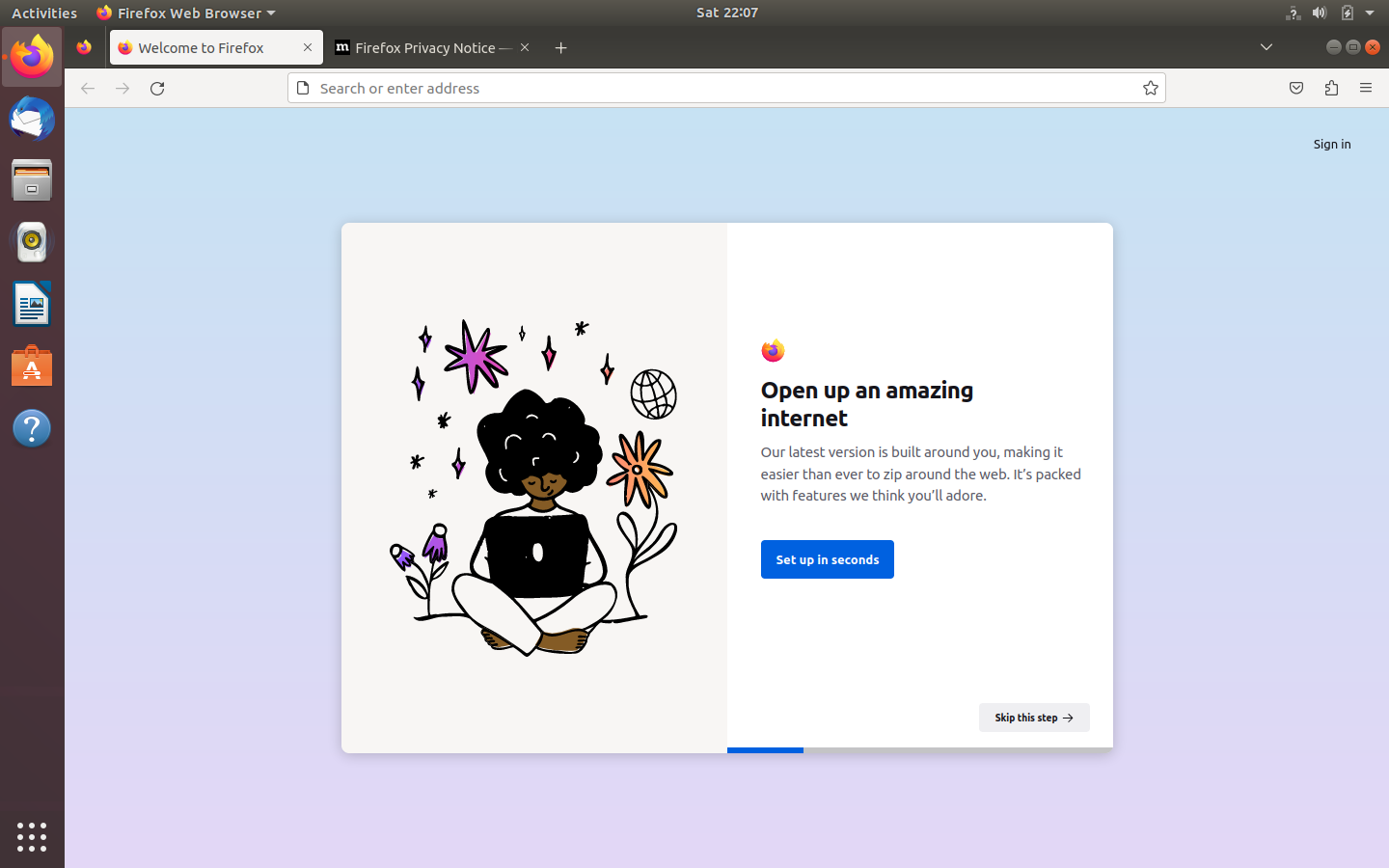
This is Firefox, which would be otherwise un-noteworthy were it not for the fact that it doesn't really play nice with the GNOME desktop. There are standard menus, but they're not accessible at all unless you know the keyboard commands.
Worth noting is that it's now a Snap application, which has little bearing in the real world other than the fact that it now takes almost 30 seconds to launch...
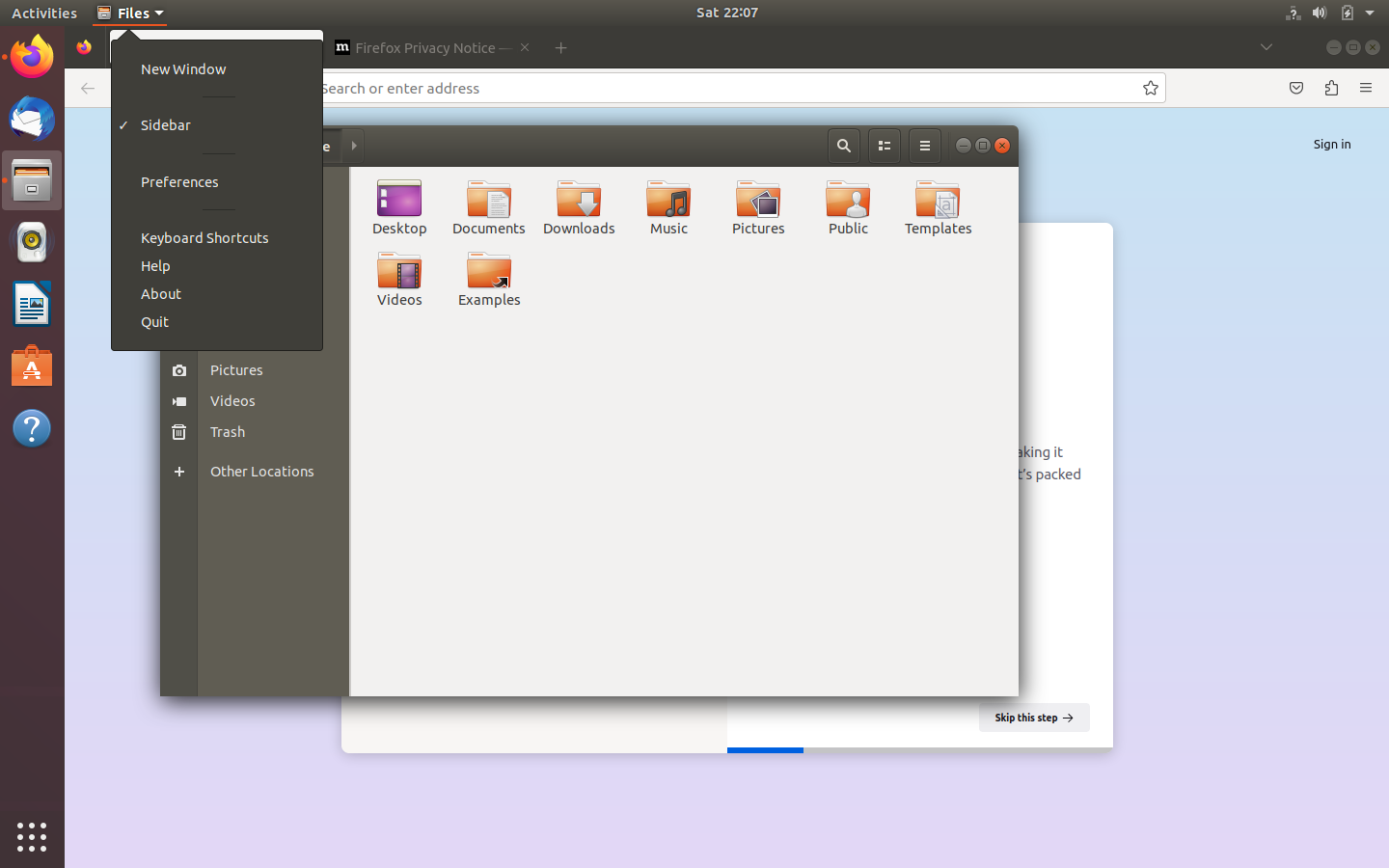
Here is yet another different type of application - the kind where the menus appear on the top menu bar.
You'll also notice a nice flaw with this setup; only one application appears on the top bar at once. If you maximize a window it's very easy then to lose applications. Of course I guess that's what the sidebar is for, but I feel like this could have been improved on in the several years that GNOME 3 has existed.
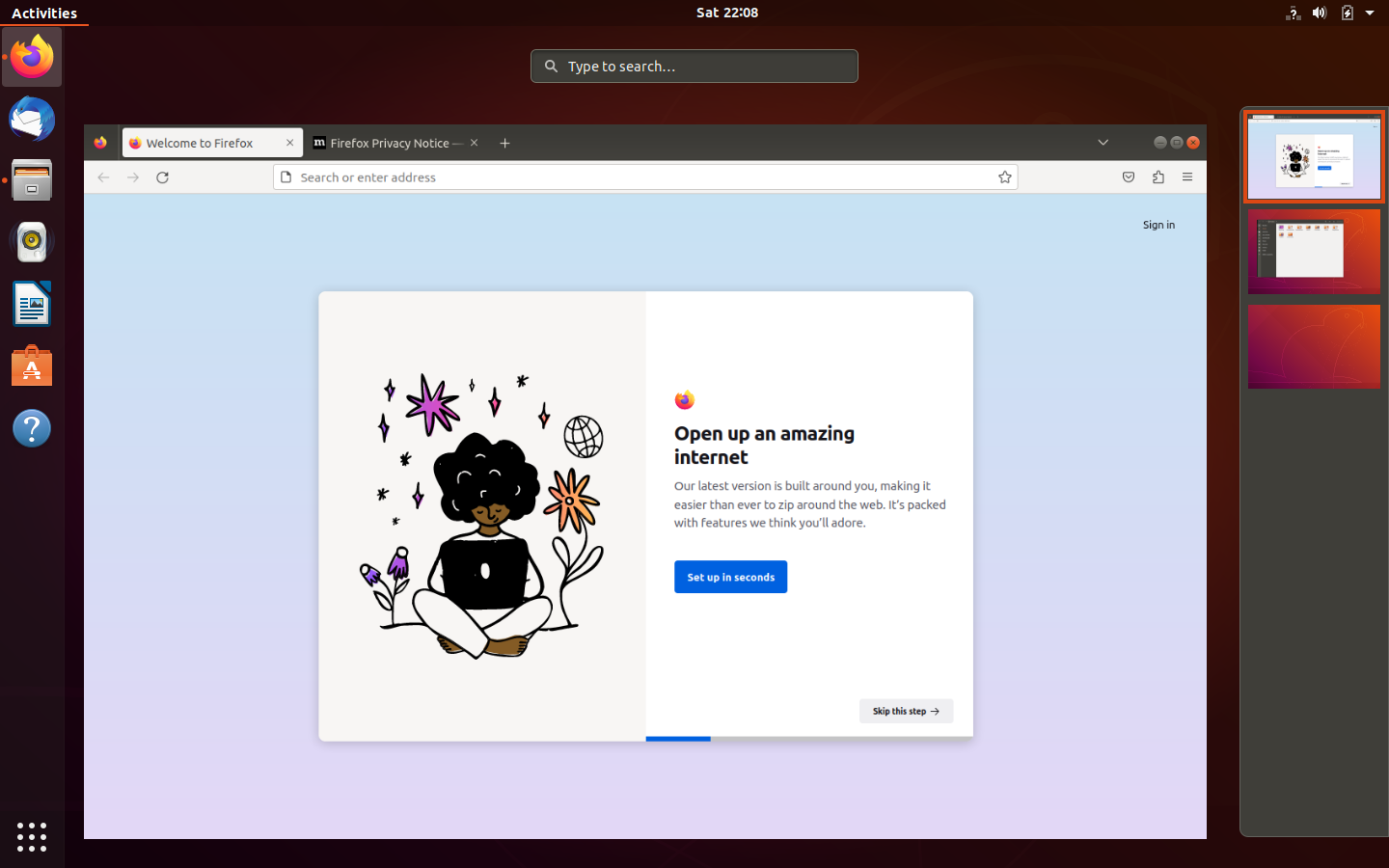
Here is a look at the "activities" page, which of course shows you all your open programs and a list of your virtual desktops.
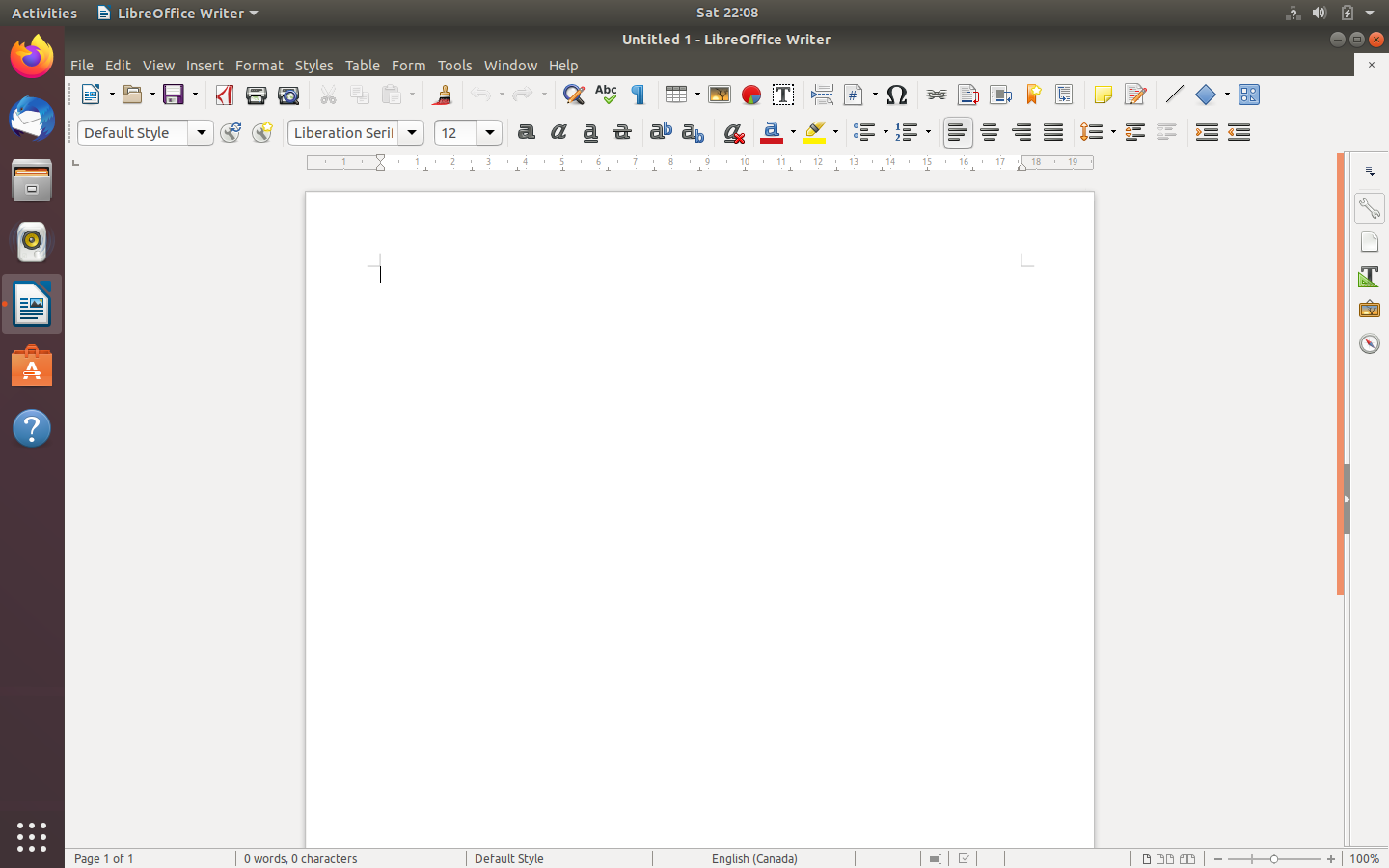
And here is a third type of application: the kind with visible menus!
I was pleasantly surprised to see Ubuntu still included a full LibreOffice suite. Seems most distros these days are going with separate packages in the name of "simplicity"...
|