|
Home
Site News BeOS/Haiku Deskmate Linux/UNIX Apple II Mac OS NeXT ReactOS GEOS Amiga GEM QNX OS/2 RISC OS DOS GUIs Windows Windows Shells Xerox/Sun Others Office Ribbon |
You are here: Firealarms Main > GUICentral > Macintosh > Macintosh System Software 1.1g > Page 1 of 4 |
|
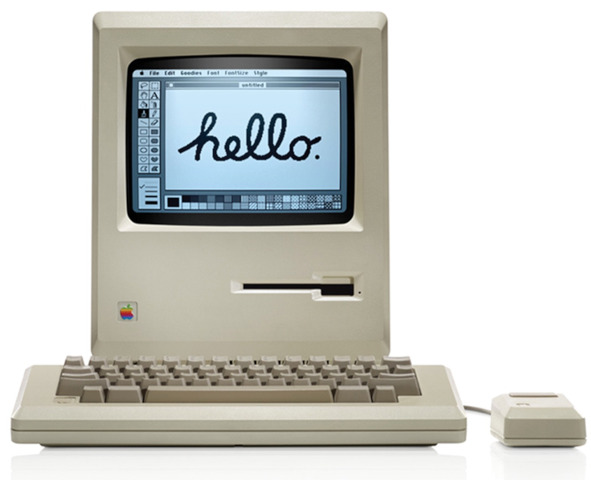
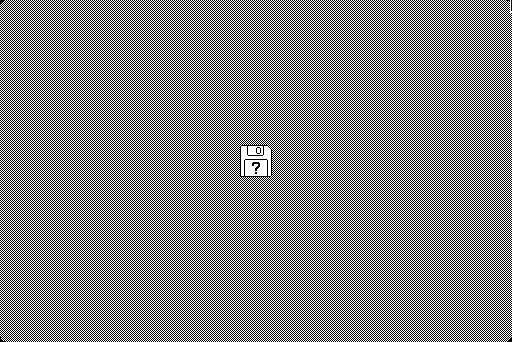
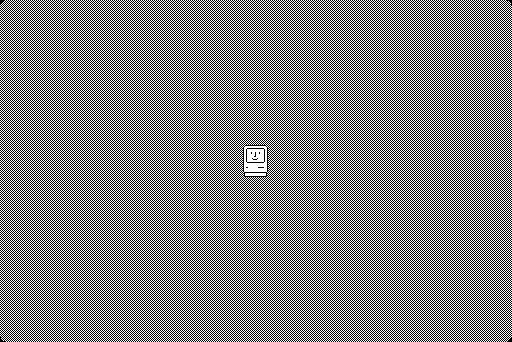
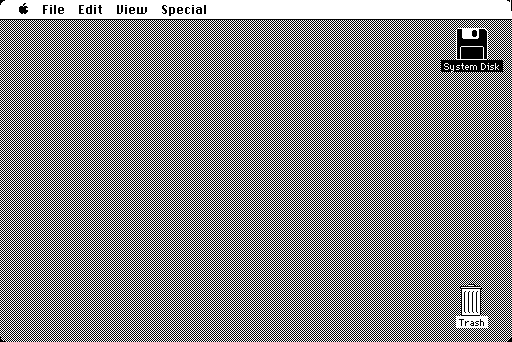
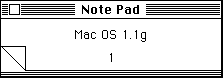
This site is intended to be an archival history of graphical user interfaces, but I would be remiss to not at least somewhat discuss the hardware of the Macintosh. In 1978, Apple had just started formulating what would become known as the Apple Lisa, which initially was intended to be more in line with the as-yet-unreleased IBM PC. It would have had a text-based user interface, until Steve Jobs arranged a viewing of the GUI work going on at Xerox PARC and immediately changed the Lisa to being a graphical machine. At the same time, the Macintosh project also started up, an easy to use system for the average consumer. It too would have used a text-based UI with a special keyboard that had standardized command keys. Of course this changed once the Lisa fully matured, and in essence the Macintosh would be a cost-engineered Lisa. At a list price of $2495 in January 1984, the arrival of the Macintosh ironically doomed the vastly more expensive Lisa. Some critics were disappointed in the lack of colour and small display size (the Macintosh had a 9-inch 512*342 monochrome CRT built-in). Some other critics were also not a big fan of not having a second floppy drive as an option, although external drives were available at least. Most, however, saw the Macintosh as a huge far and away success. At its release, the Macintosh actually technically shipped with pre-release software: 0.97, although the Finder version was 1.00. These screenshots are of the later "1.1g" release, which added a few things to the menus. These screenshots are courtesy the Mini vMac emulator, which emulates the later Macintosh Plus but is largely the same as the original hardware.
|
|