|
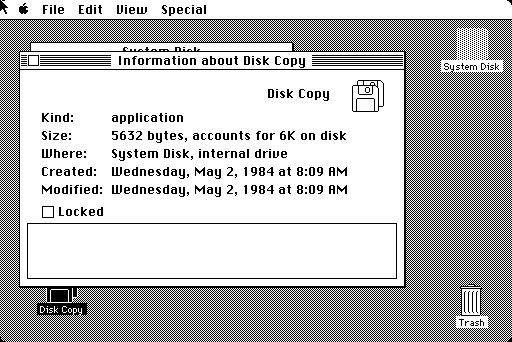
The Macintosh only has a single mouse button, and thus has no concept of a right-click context menu. All actions instead are in the various menus on the top bar. For example, here is the "get info" window, displaying common properties for the selected file/folder/drive.
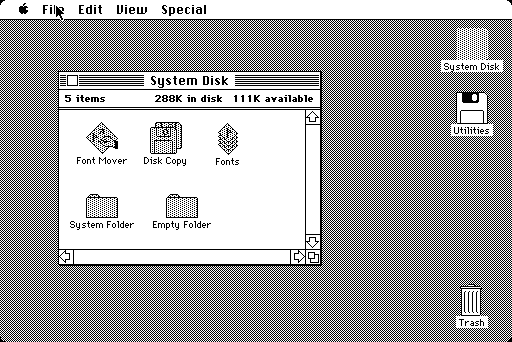
Something handy and presumably owing to the nominally-single-disk nature of the Macintosh, upon ejecting a disk the disk icon and the icons in any open window associated with that disk become greyed out. You may then insert and work with a second (or fifteenth) floppy disk. "Ejected" disks are present until moved to the trash can.
This is actually how you copy files from diskette to diskette: you find the files you want to copy, eject the disk, insert the destination diskette, drag the greyed-out icon(s) to the destination, and then swap disks as requested. This is a tedious operation, but it's an ingenious workaround to requiring a second drive that isn't even possible on a PC.
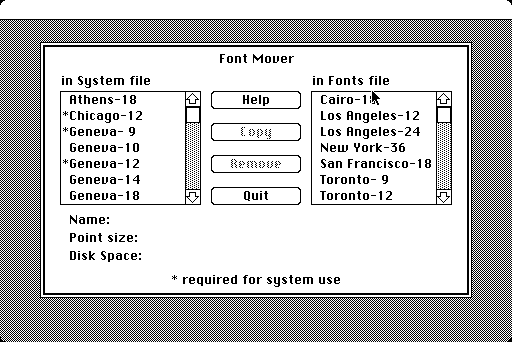
The limited amount of system RAM means that applications take over the entire desktop - you cannot return to the Finder without first closing the application.
It's worth noting that this makes the presence of the single menu at the top of the screen make more sense. Once you start adding multitasking, larger screens and multiple windows to the equation it makes less sense.
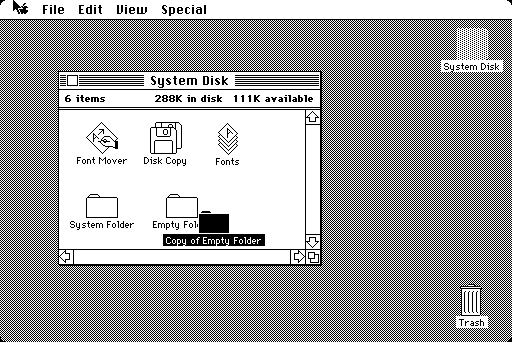
It's not quite the same as the Lisa's "stationery" functionality, but the correct way to create copies of files is to use the "duplicate" option in the file menu, which is basically the same as a copy and paste into the same location. You would then move the copy to whatever location you wanted.
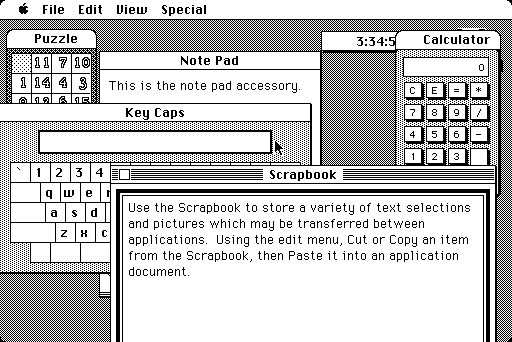
Showing off the bundled desktop accessories, which are not treated as separate programs and as such can all run at the same time as the Finder.
|