|
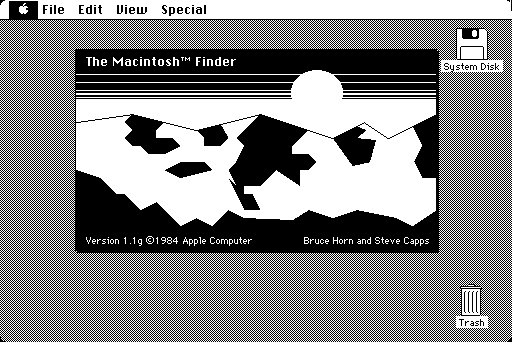
The original Macintosh about window.
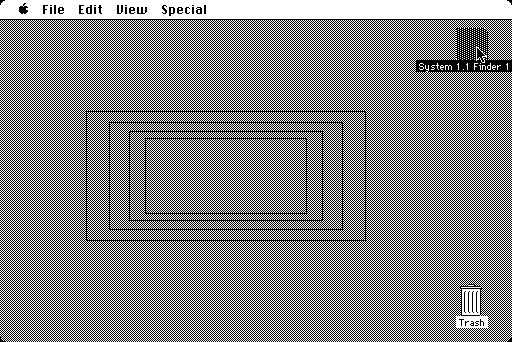
Opening up icons displays animations as the computer prepares to open up a new window.
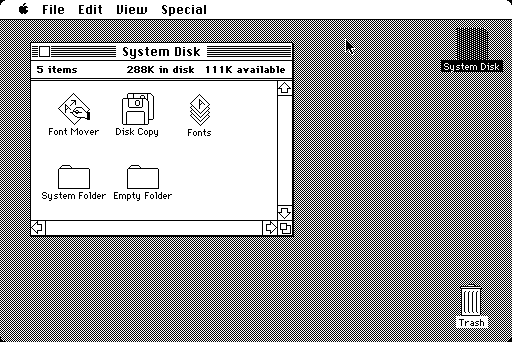
This is the Finder, the program the Macintosh uses to work with files and launch programs and is otherwise the primary means of communication between the user and the rest of the system software.
Compared to Windows of the time (and this was Windows a year later!) there really is no competition.
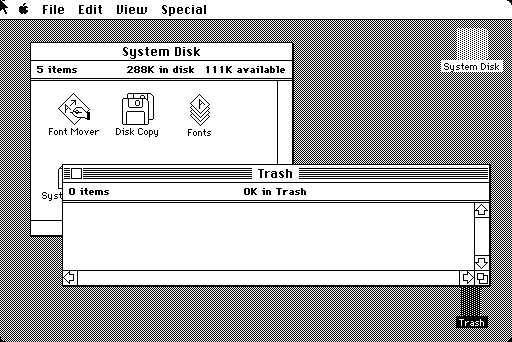
From within the main Finder, windows may overlap. Windows may be moved around by clicking and dragging using the title bar, and may be resized by clicking and dragging from the lower right corner. There is no concept of minimizing windows.
By contrast, Windows didn't get overlapping windows until Windows 2, probably mostly out of fear of getting sued.
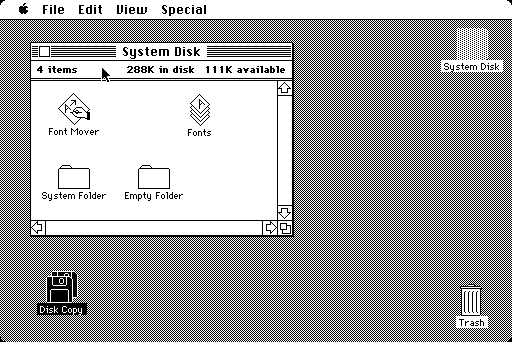
It is possible to drag icons onto the desktop, although you may not by default put random icons on the desktop; they are merely moved here temporarily from whichever folder they were stored in. Still, this isn't a feature duplicated on the PC until Windows 95 a full 11 years later.
|