|
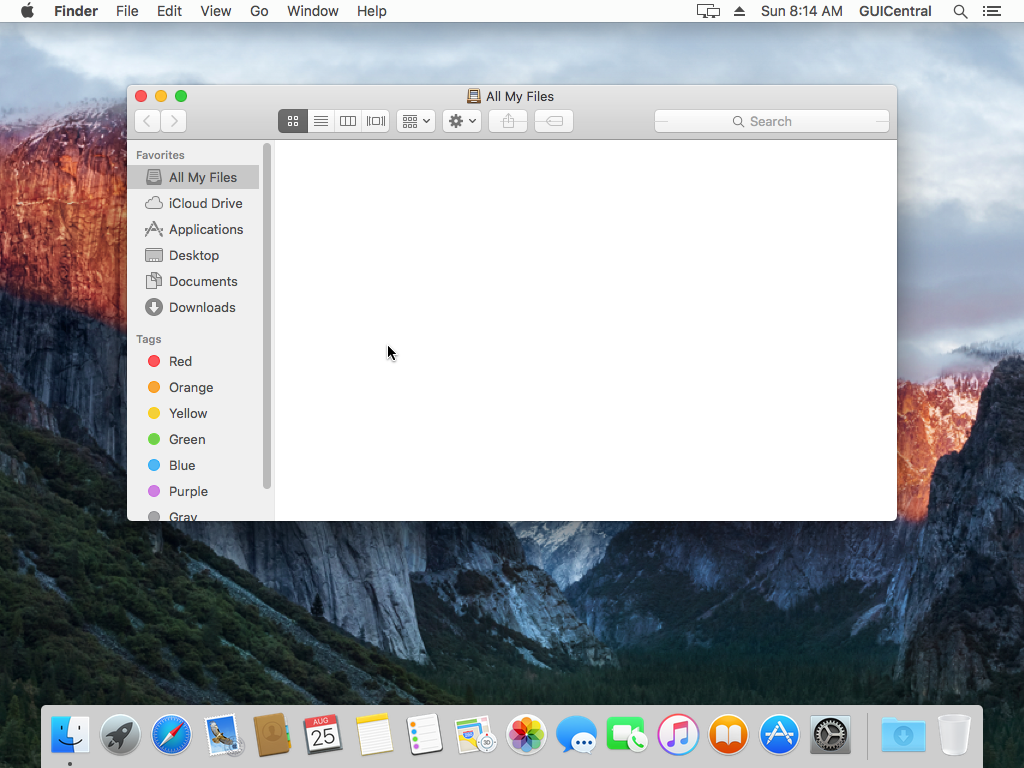
The Finder has remained mostly unchanged, although here again I note that access to the hard drive directly appears to have been removed. Not entirely sure why as this was the way to access user files since the advent of Mac OS X. Yes, that is a minor detail that can be worked around, and I guess the idea is that most files would be accessed from within various programs anyway, but popping up a blank window showing "all my files" is a little less than useless.
I will also note that the green maximize button now shifts certain programs (if they were designed to do this) into a full screen mode that's also not completely intuitive to exit. Because my expensive Mac with loads of RAM and processor cycles should only run one thing at a time.
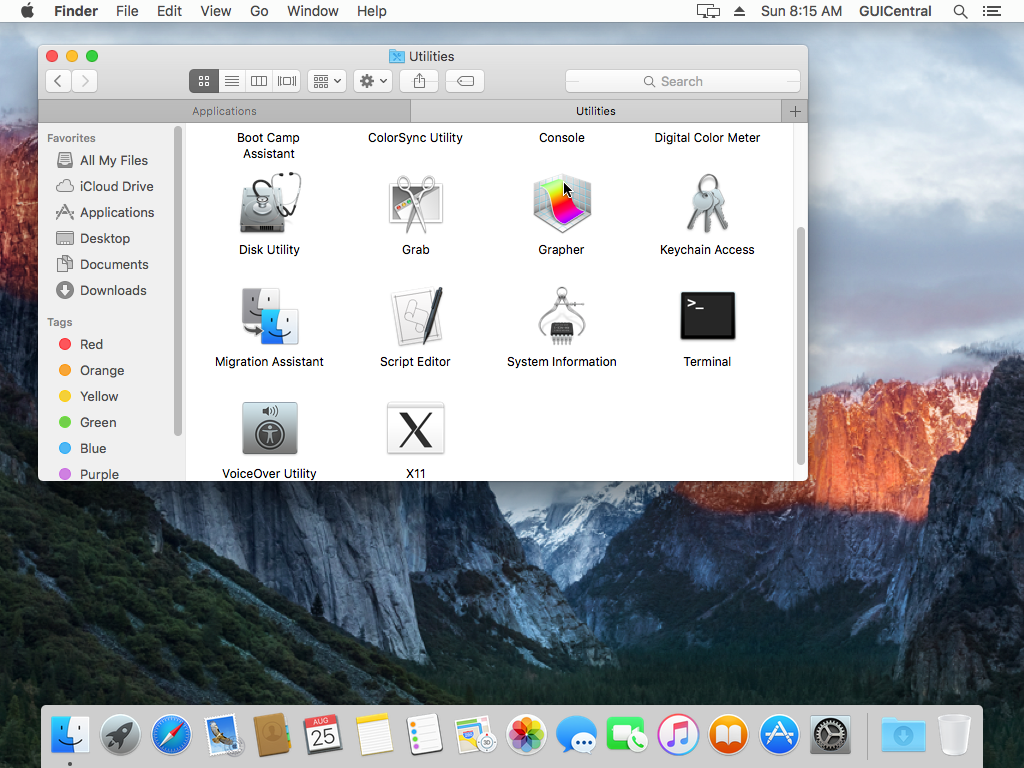
The Finder now has tabs, which I guess is nice but I always found tabs hard to keep track of in file managers.
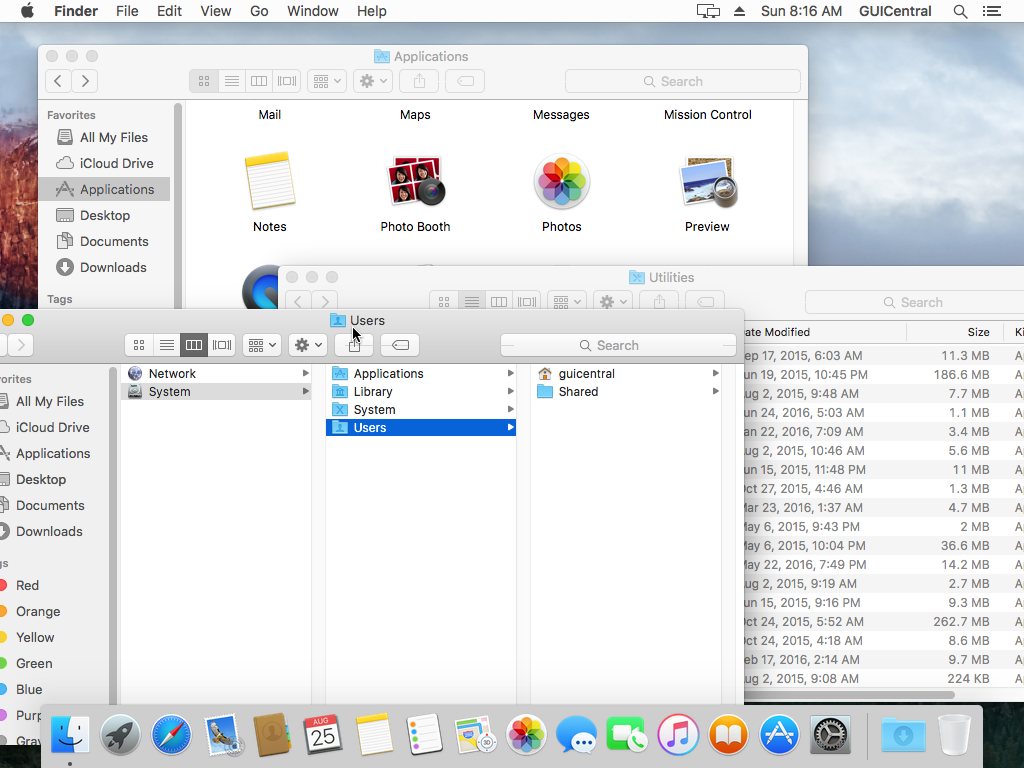
The various folder views in Finder, none of which have really changed, ever.
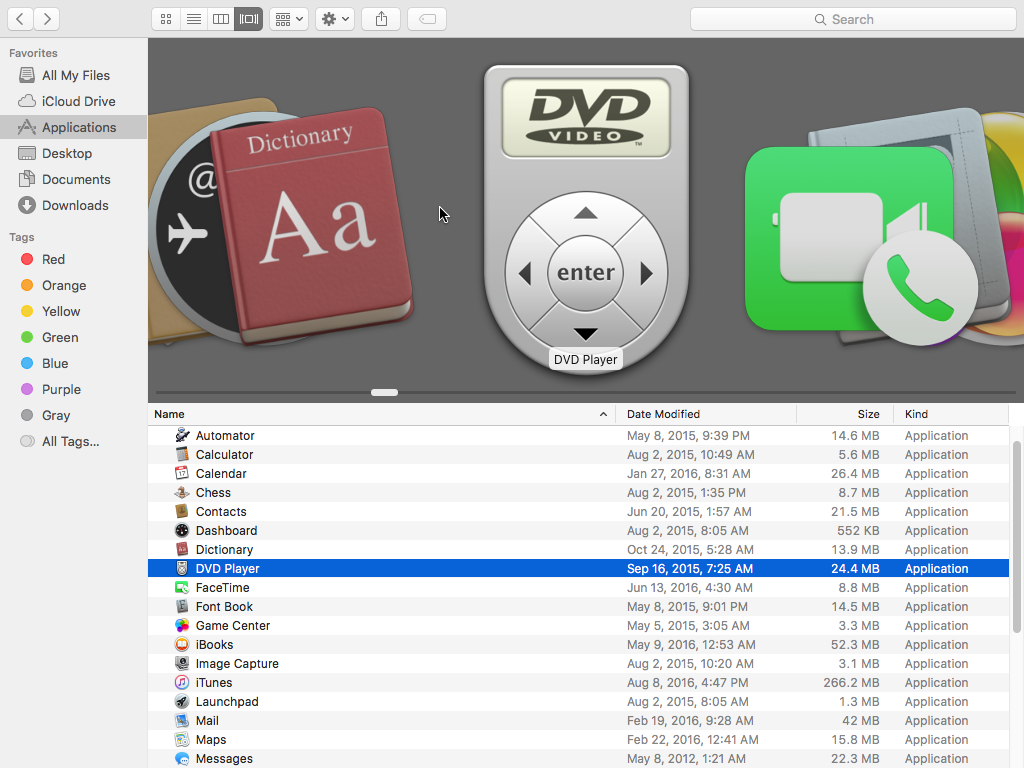
CoverFlow is still present as a view as well, although there's something odd about browsing a folder with no images in this mode.
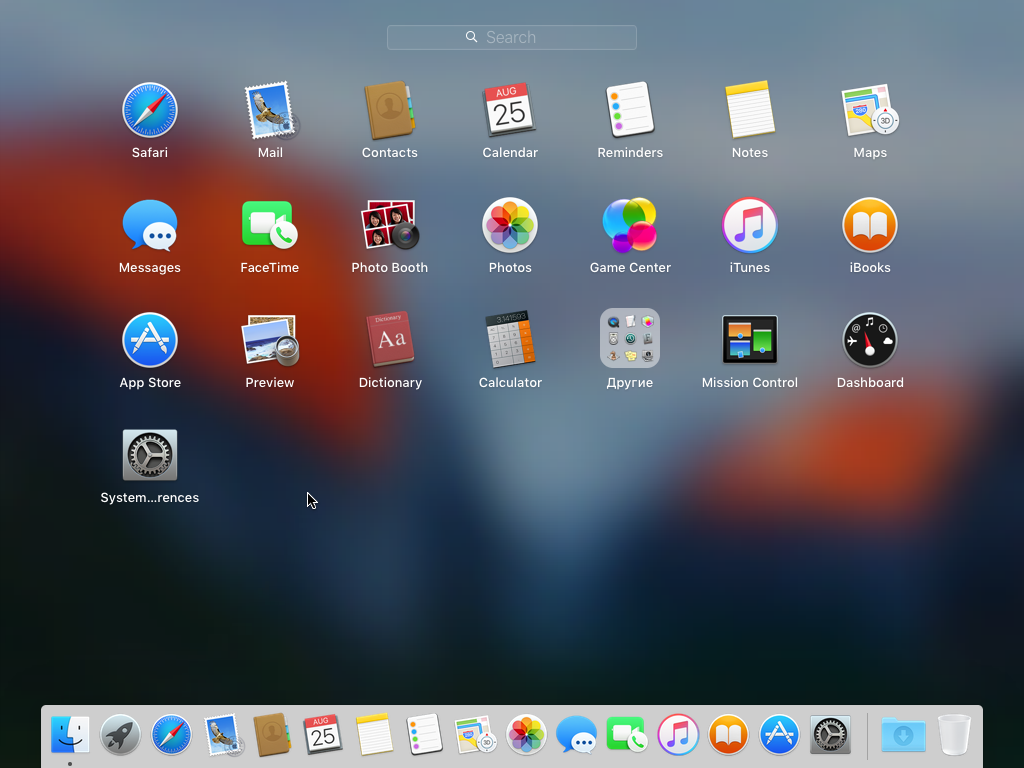
OS X now has this feature called "Launchpad", which is basically ripped straight out of the iPhone and gives you an iPhone-like screen (or screens I guess) to load applications. I personally think there are better metaphors to use on a huge display, but it's kind of necessary now since they also got rid of the applications folder on the Dock by default for some reason.
|